
 Hot Topics
- Exclusive Model
- 3D Print Showcase
- Answer To Win
- Travel Prints
- Wishlist Challenge
- My Print Corner
- Print For Dad
- Challenge
- Print Hacks
- Maker Challenge
- My 3D Print Journey
- Print And Play
- Lucky Draw
- Pop Culture 3D
- Wish List
- Share Your Tips
- Reward System Upgrade
- Work In Progress
- Points Accelerator Card Application
- AC Color Lab
- Rewards Accelerator Card
- Gift Wishes
- Weekly Featured Model Reward
- 🎁 Anycubic Creative Kit
- Print Profile Player Board
- Suggestions for Makeronline improvement
- Suggestions for AC Slicer & Photon workshop & APP
- 3DCanvas

Hi everyone,
I'm here to share with you how I solved the Anycubic Kobra 3 leveling issues.
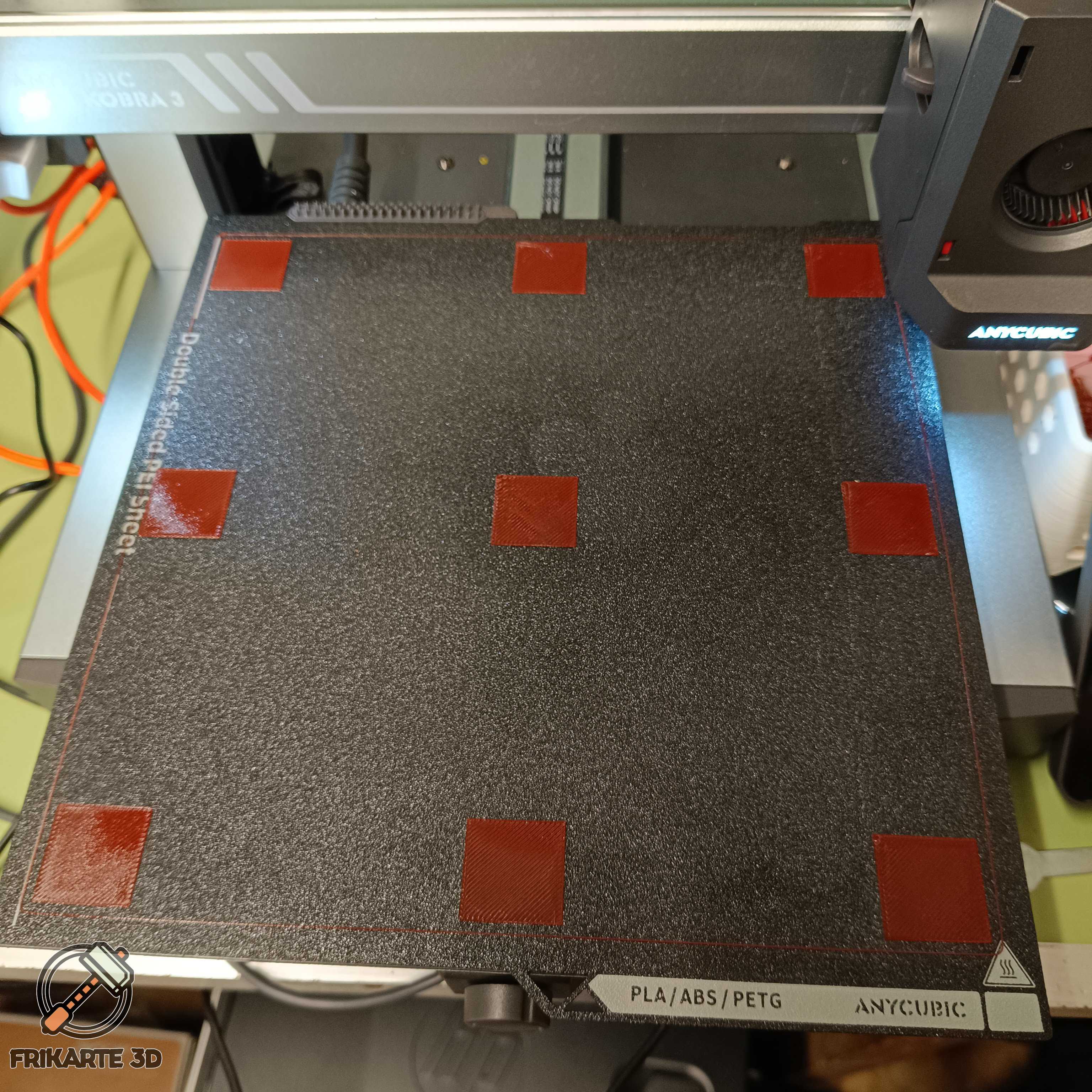
Since I got my Anycubic Kobra 3 Combo I managed to print decently but the first layer always had some inconsistencies, in the last weeks it went worse when in a middle of a print the hotend just broke and provoqued a mess.
After talking the after sales support, they send me a new hotend and told me to try to fix the issue doing the Gantry Frame Calibration and solve the bed unneveness with foil but using a ruler I saw the bed was not warped, then it should be something else.
I disassembled the build plate and noticed that the bed was fine but the carry was not straight, it have 0.5mm deviation on two of the four corners.
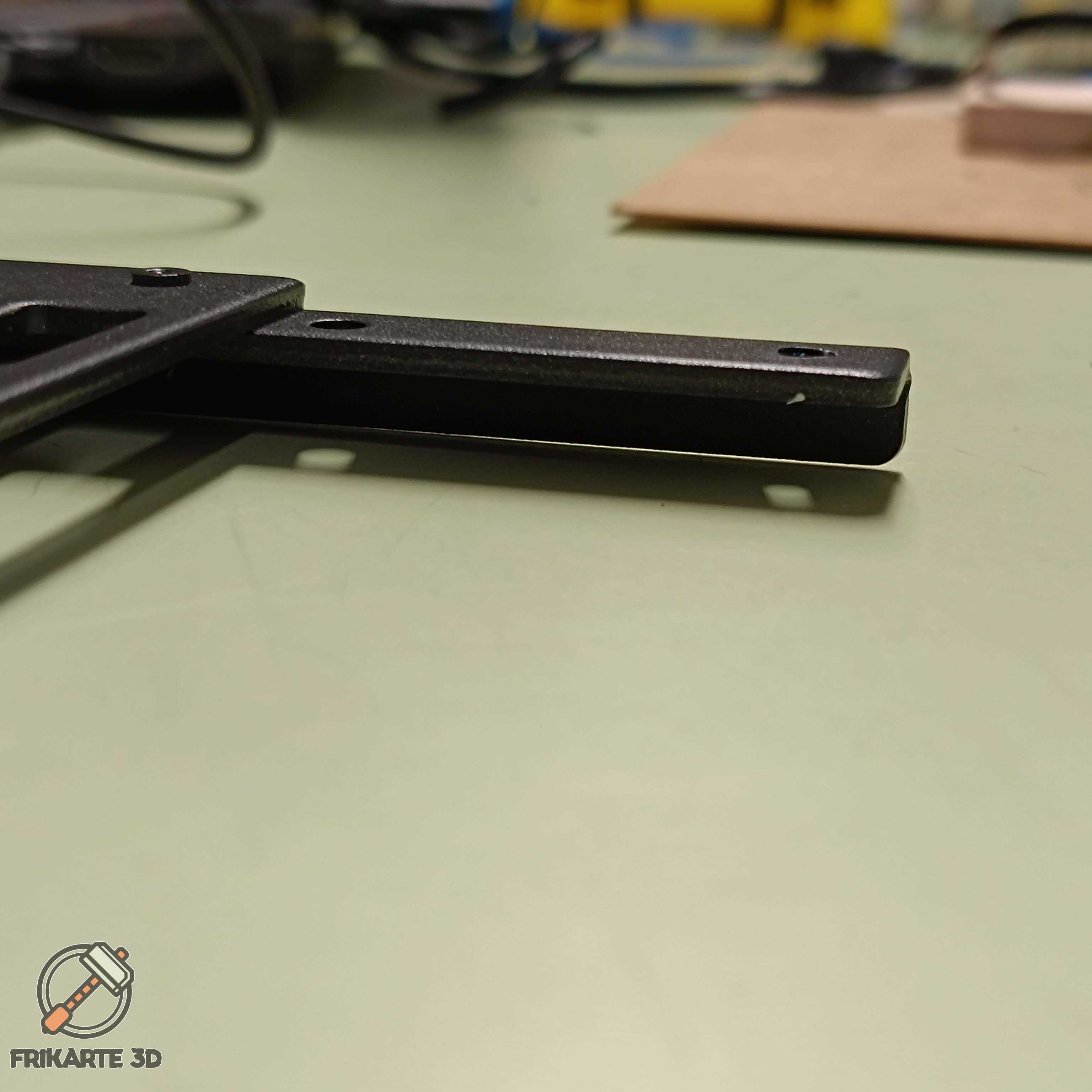
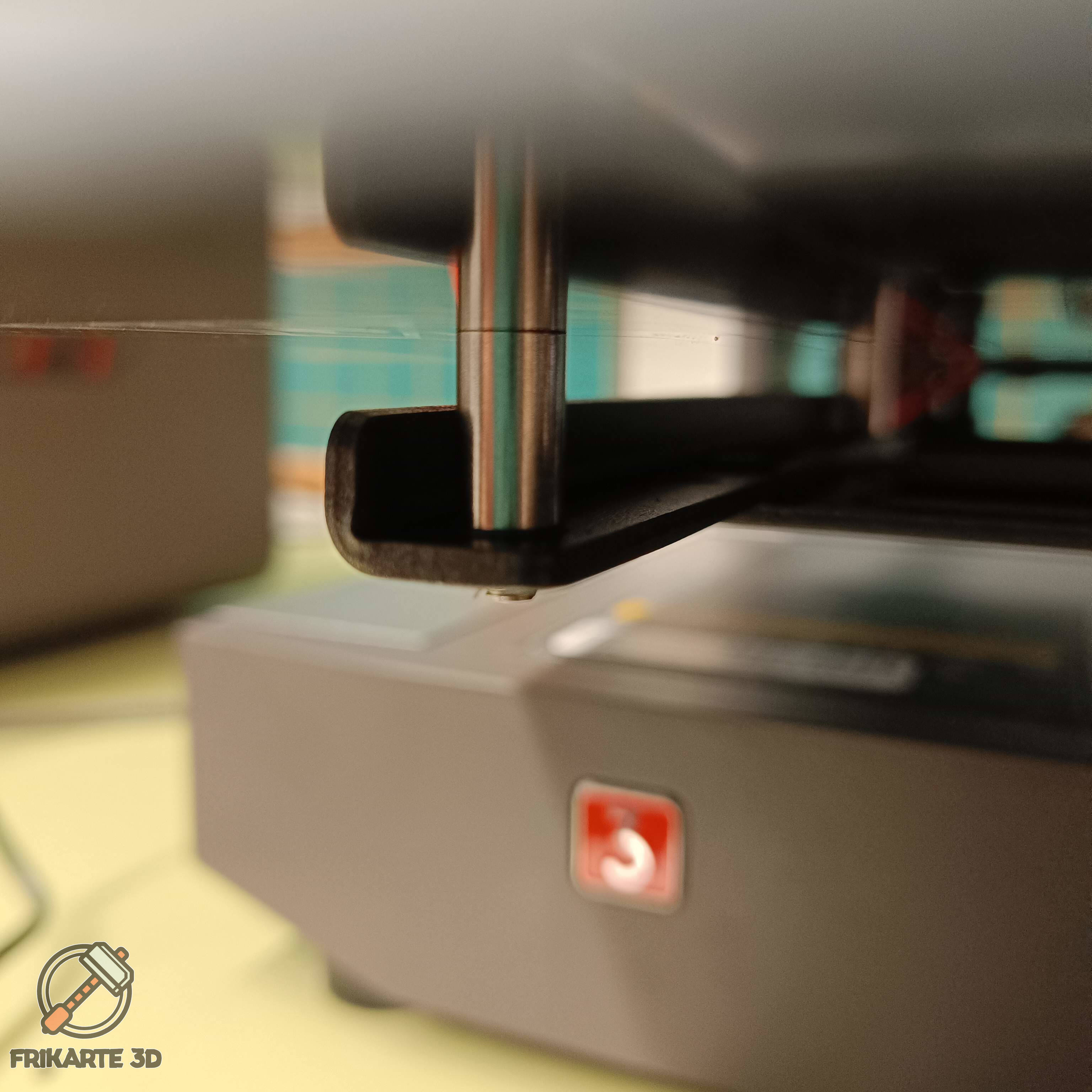
I tried to fix that but I don't have the tools to do it so I designed a washer to help to make the surface more stable, I added it below the tubes between the carry and the bed and now is working much better. During the process I also designed a first layer test to have a fast way to check every step I did to arrive to solve my problem.
Hope somebody can benefit for my path if have same problem as me.
Have a nice day and happy printing!
 Frikarte3D



There's no more
 Hot Activities
