
 Hot Topics

【Update, May 17th】
We are excited to announce that we have added the Mail Chain style phone case for our existing models. After conducting actual printing tests, the results have been excellent! Now, you can print your very own mail chain case that suits your style perfectly!
--------------------------------------------------------------------------------------
【OP】
After months of hard work, we have finally launched our first customizer feature, the Mobile Case Maker.
Users can now select various iPhone models to create their own designs and download them for printing.
However, there are some tips and tricks that can help improve your success rate when using it.
[For printing phone cases]
We recommend using an FDM printer with either PLA or a combination of PLA and TPU to achieve the best results in terms of hardness and suitability.
When printing with pure PLA, we suggest using an infill of 12% to 15% to ensure sufficient strength and a certain level of flexibility in the case.
If you have TPU and PLA in the same color range, we recommend printing 2 layers of PLA first and then directly switching to TPU for continued printing. This will achieve optimal flexibility and protection while ensuring good adhesion between TPU and PLA layers. If you switch to TPU after the 3rd layer or later, it may result in TPU detachment.
When using TPU for printing, make sure to adjust the printing temperature accordingly as TPU generally requires a lower temperature setting.
[Tips for using the Mobile Case Maker]
1. It is recommended to enlarge your text or design slightly to ensure better printing results. Fine details may result in incomplete lines, affecting the overall printing quality.
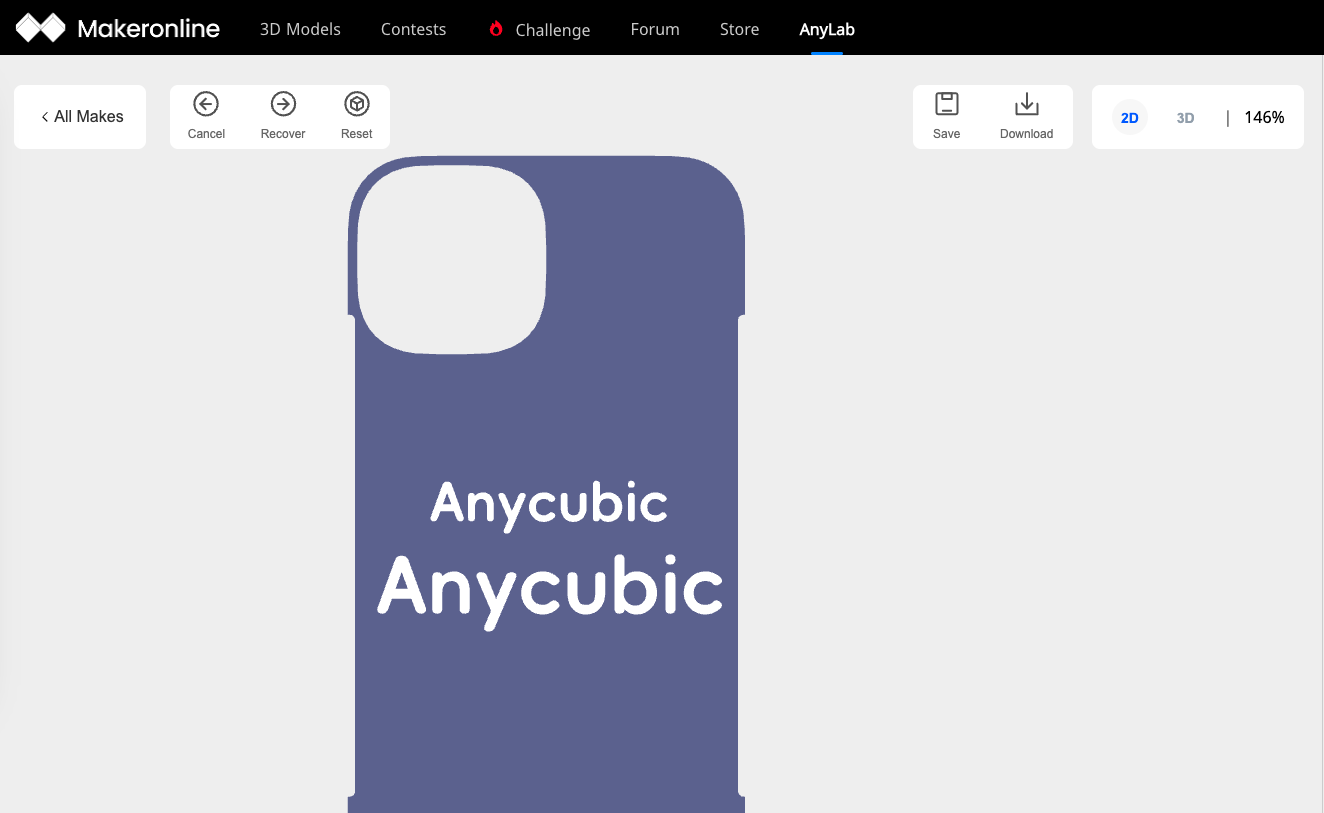
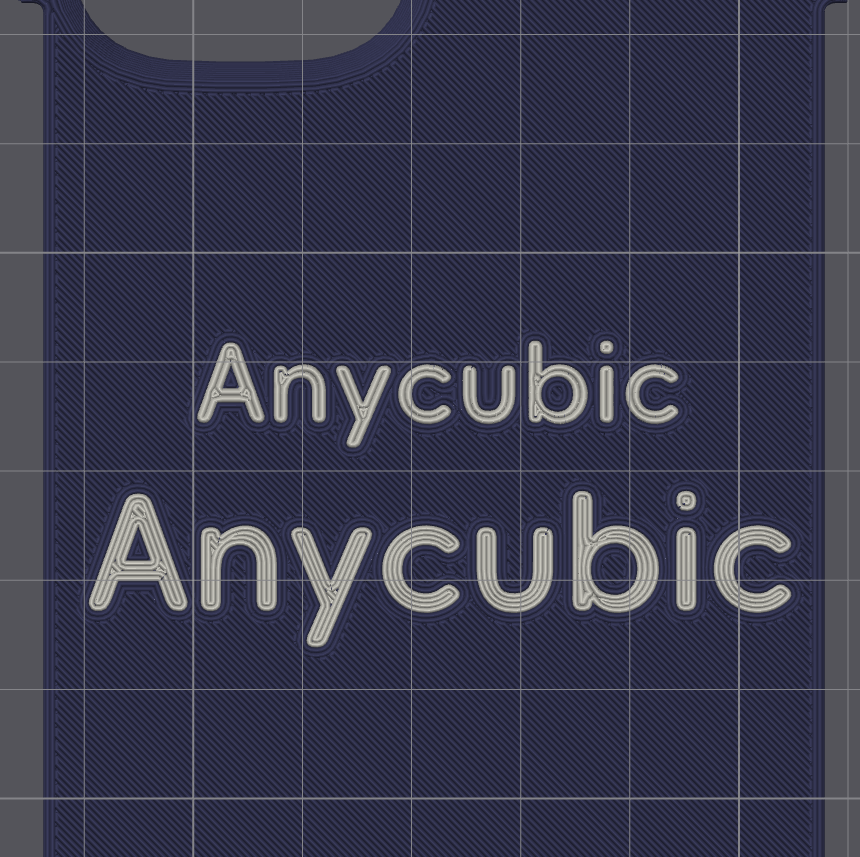
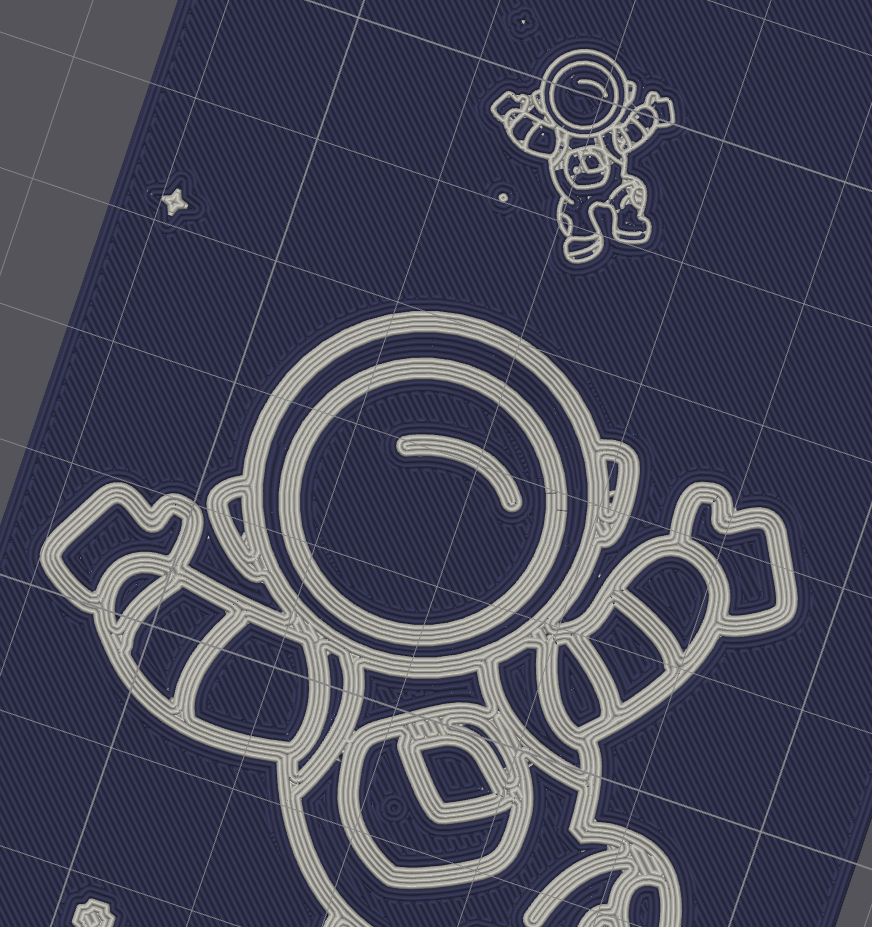
2. It is advisable to avoid using background textures along with other design elements such as patterns or text. This can cause interference with the printing lines and affect the overall quality of the print.
3. When uploading SVG files, it is recommended to avoid designs with more than 8 colors. The printer may not be able to accurately reproduce vibrant and multicolored effects. Stick to simpler and more limited color palettes for better results.
[About Slicer]
1. Currently, the Anycubic Slicer may not correctly recognize colorful effects in designs such as patterns and text. However, we are working on a future version that will support the Kobra 3 Combo and allow for direct synchronization of your custom phone case designs. Once this version is released, you will be able to use the Kobra 3 Combo to print your created phone cases with ease. Stay tuned for updates!
2. There are third-party slicing software options available that allow for multi-color modifications. Bambu Studio and Orca are two examples of such software that enable manual color mapping for multi-color printing. With these tools, you can manually assign colors to different parts of your design, allowing for more intricate and colorful prints.
Thank you for your understanding. We apologize for the limited availability of templates for various phone models. As our user base continues to grow, we are committed to expanding the range of supported phone models and providing more template presets in the future. We appreciate your support and look forward to having more users join us in the creative process.





 Hot Activities