
 Hot Topics
OminousFyxen3D
@OminousFyxen3D_2807790
Upgrade Your Model Surfaces with a Simple Slicer Trick- 6 Easy Steps!
#Share Your Tips#
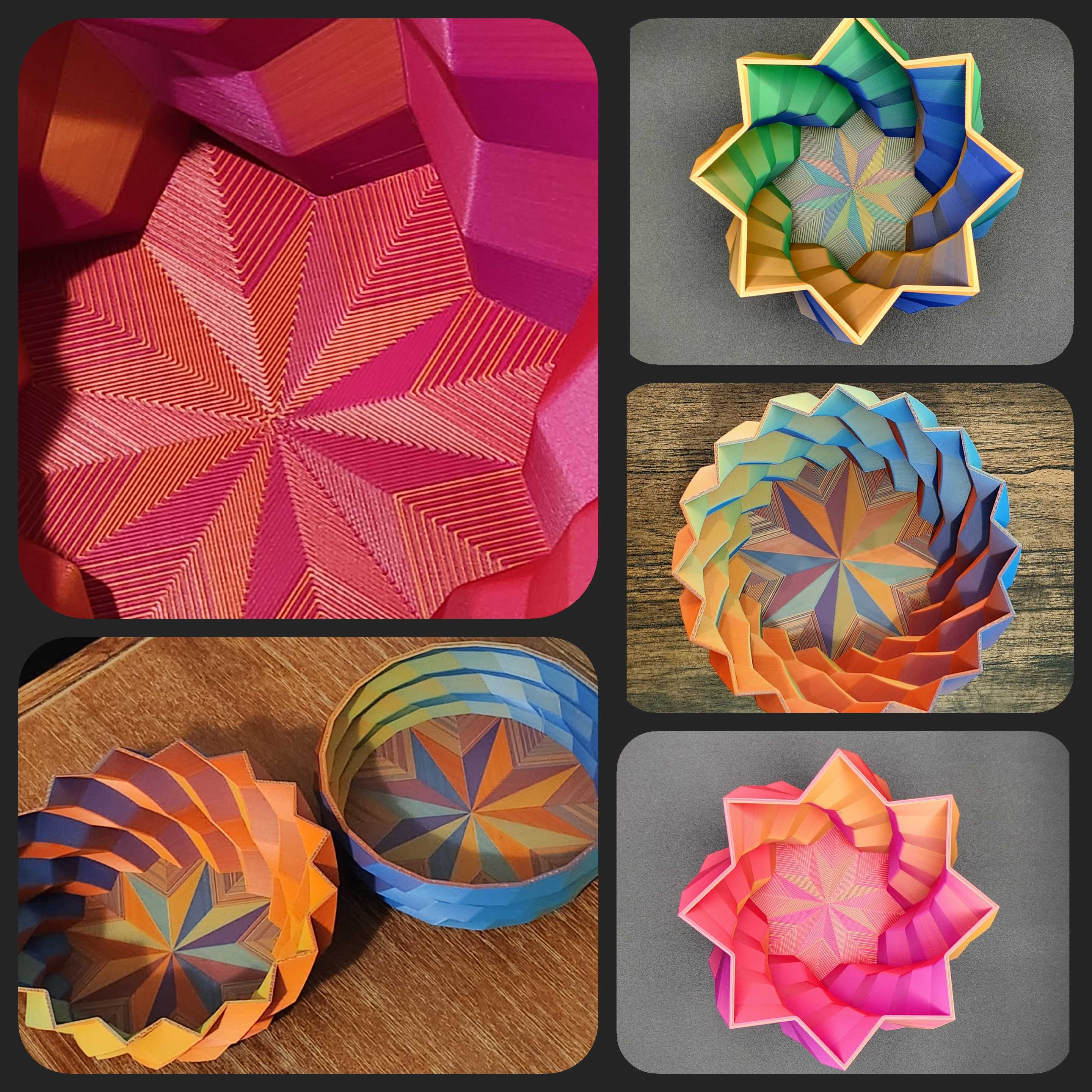
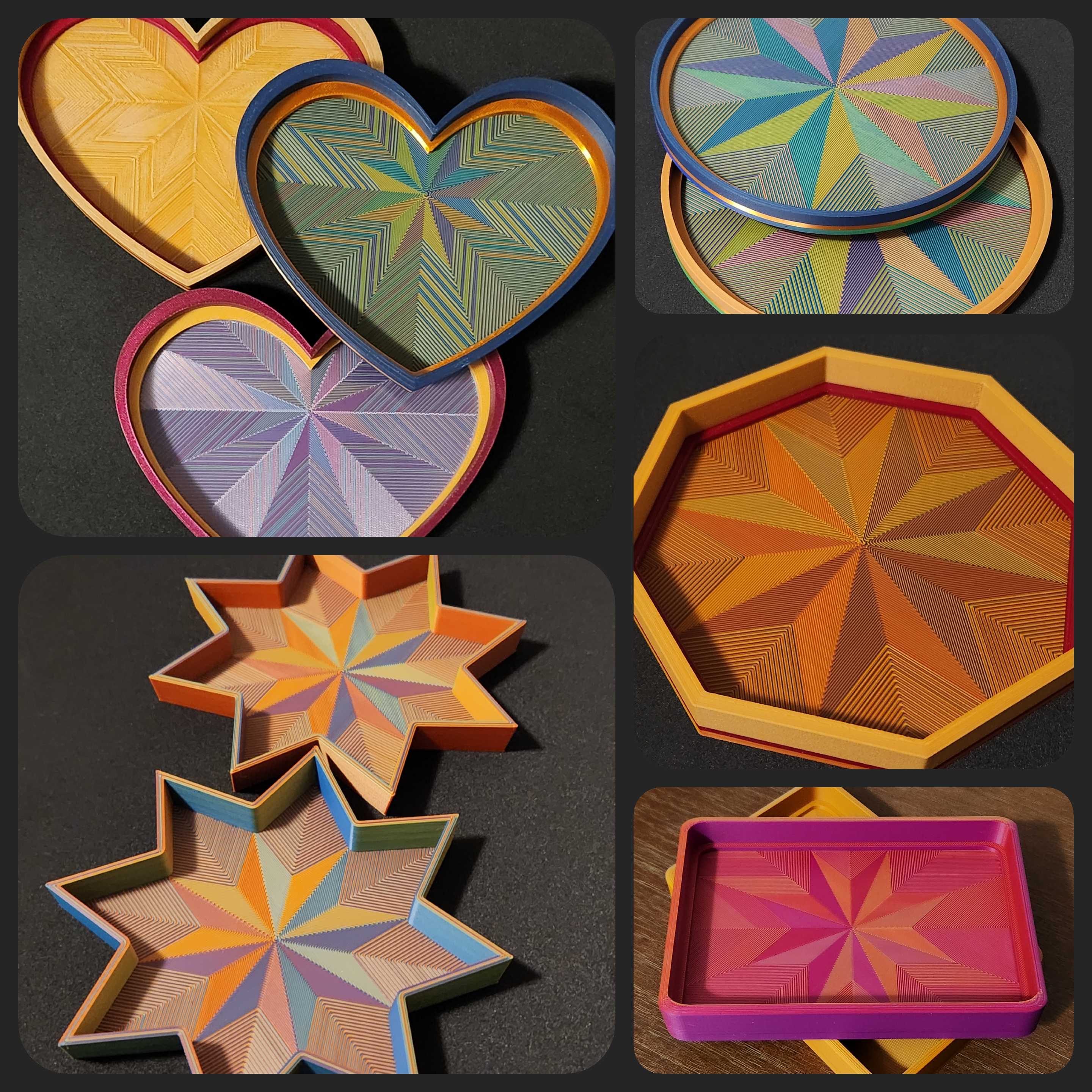
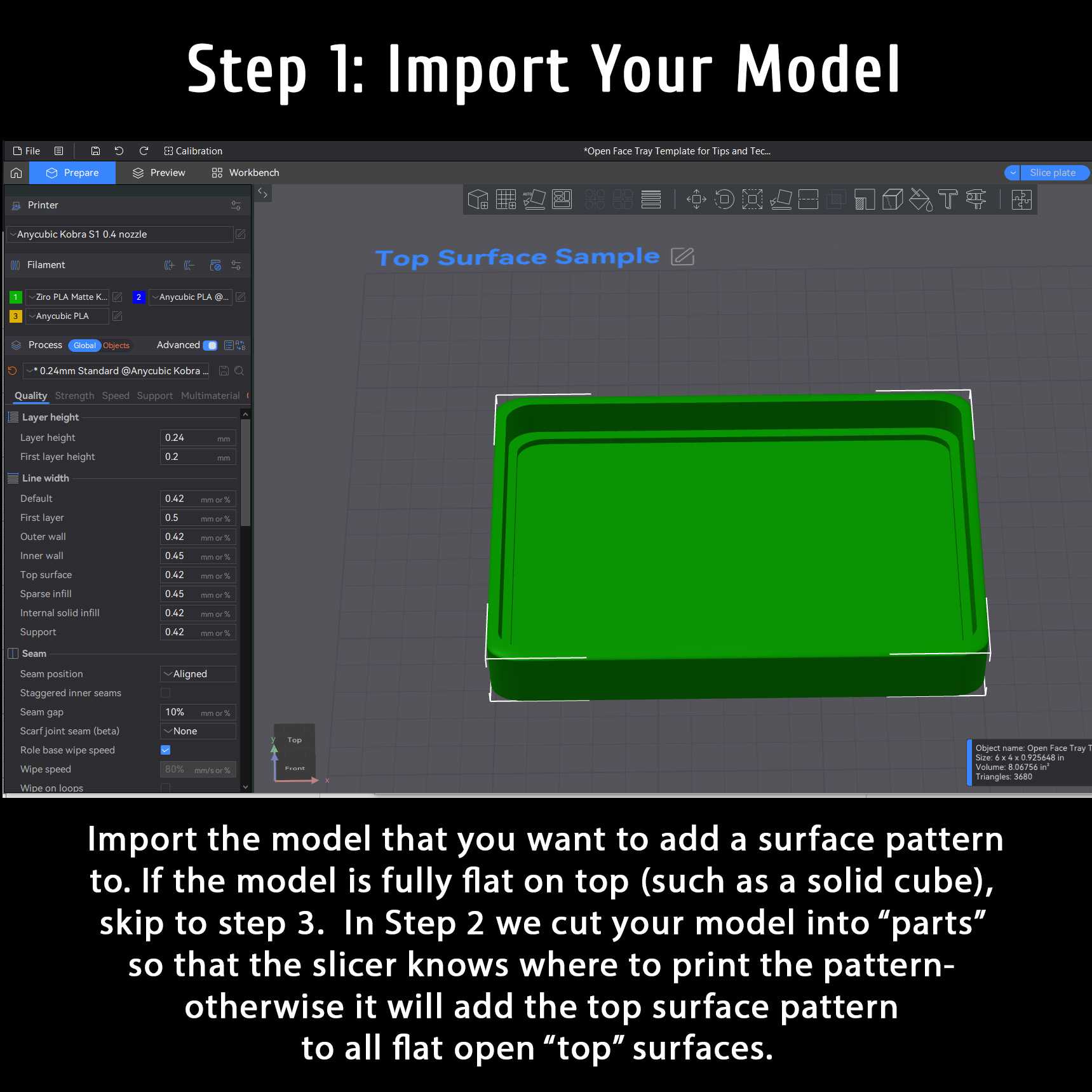
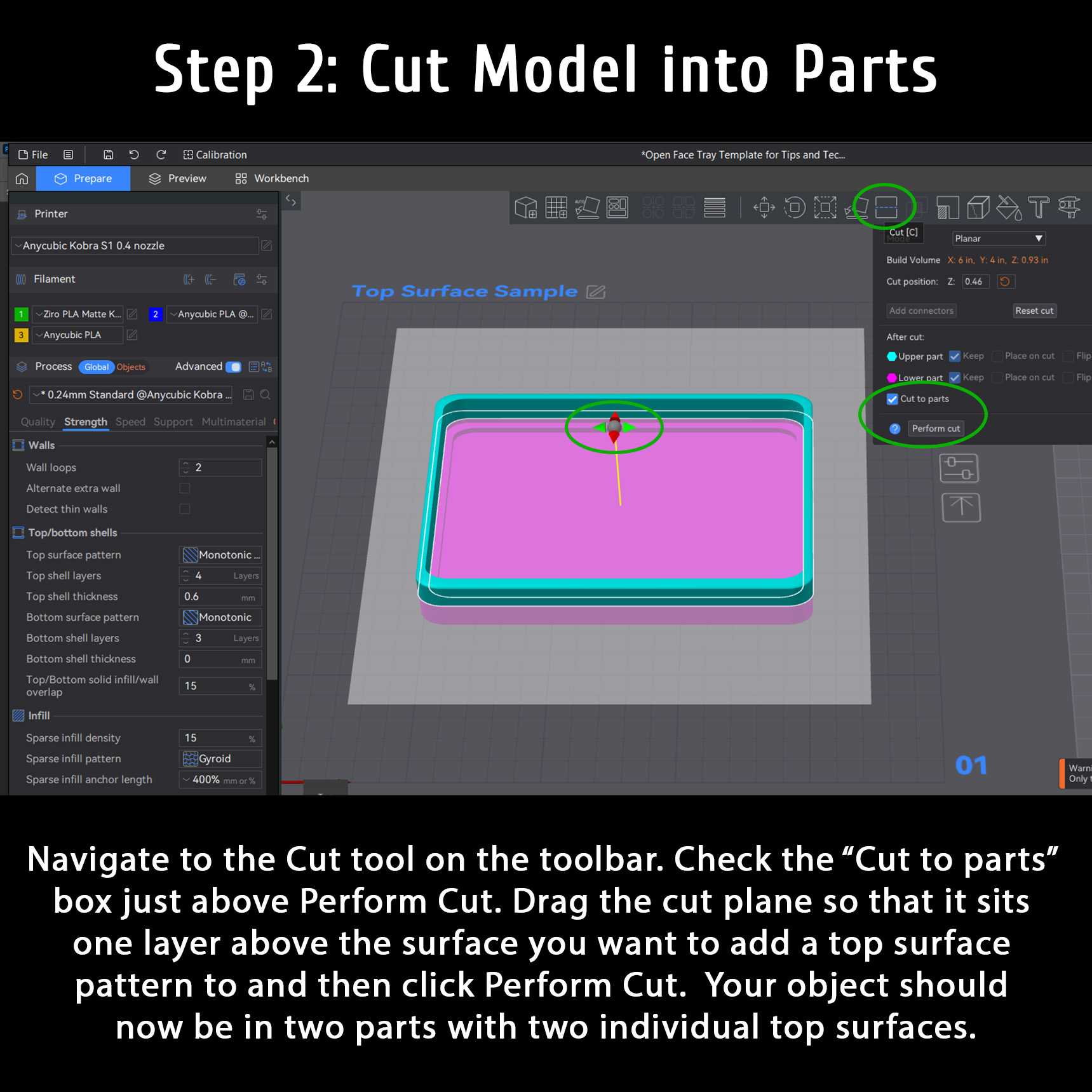
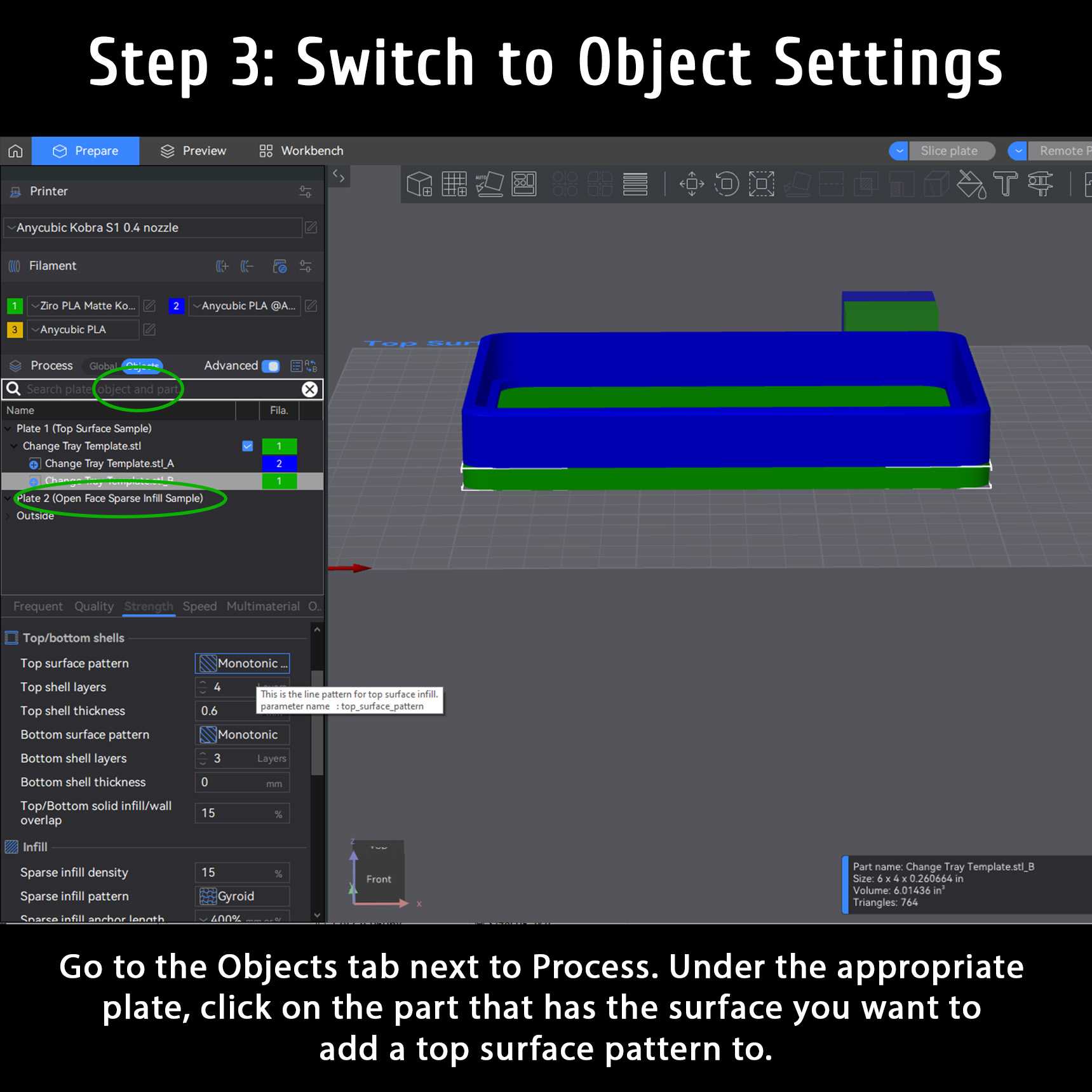
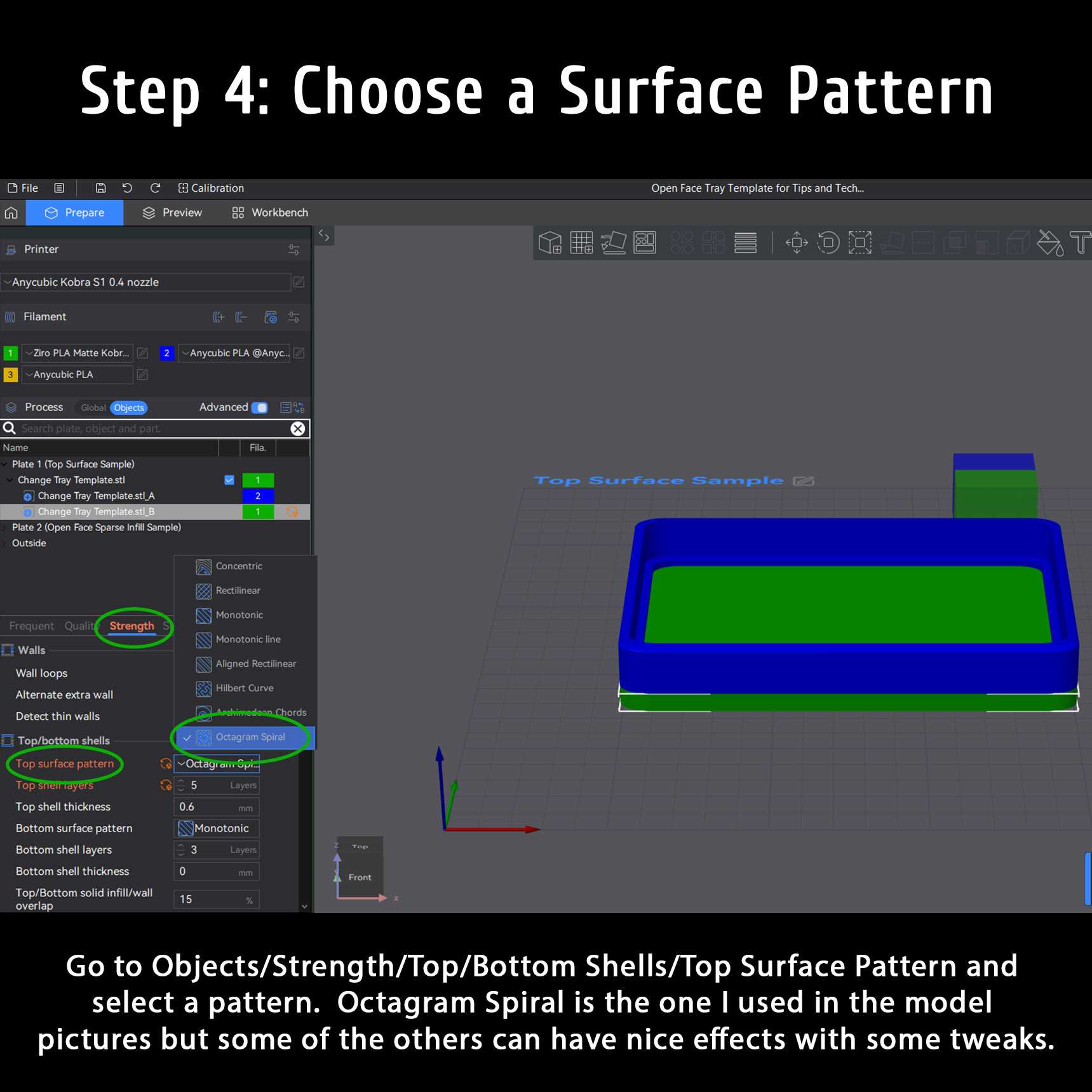
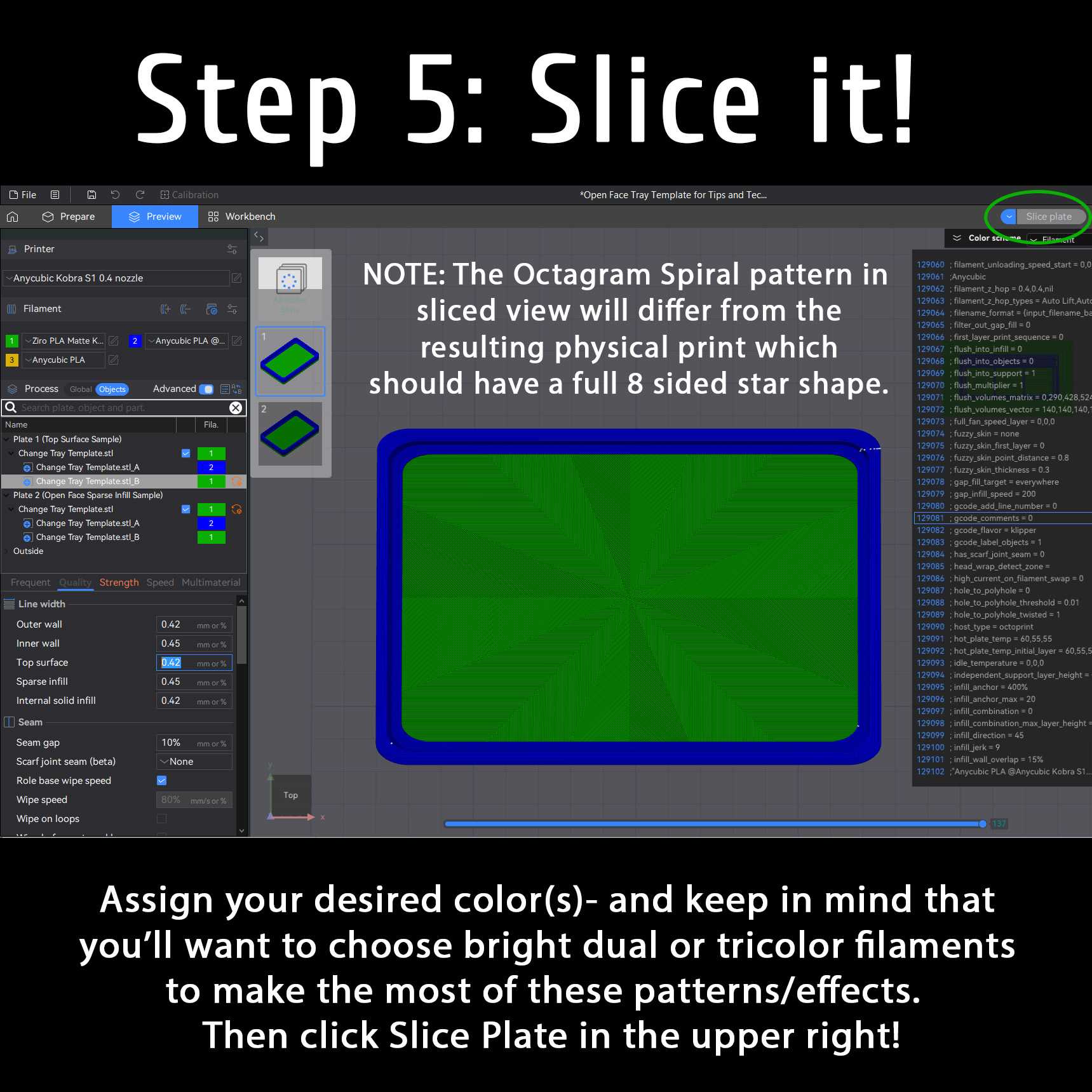
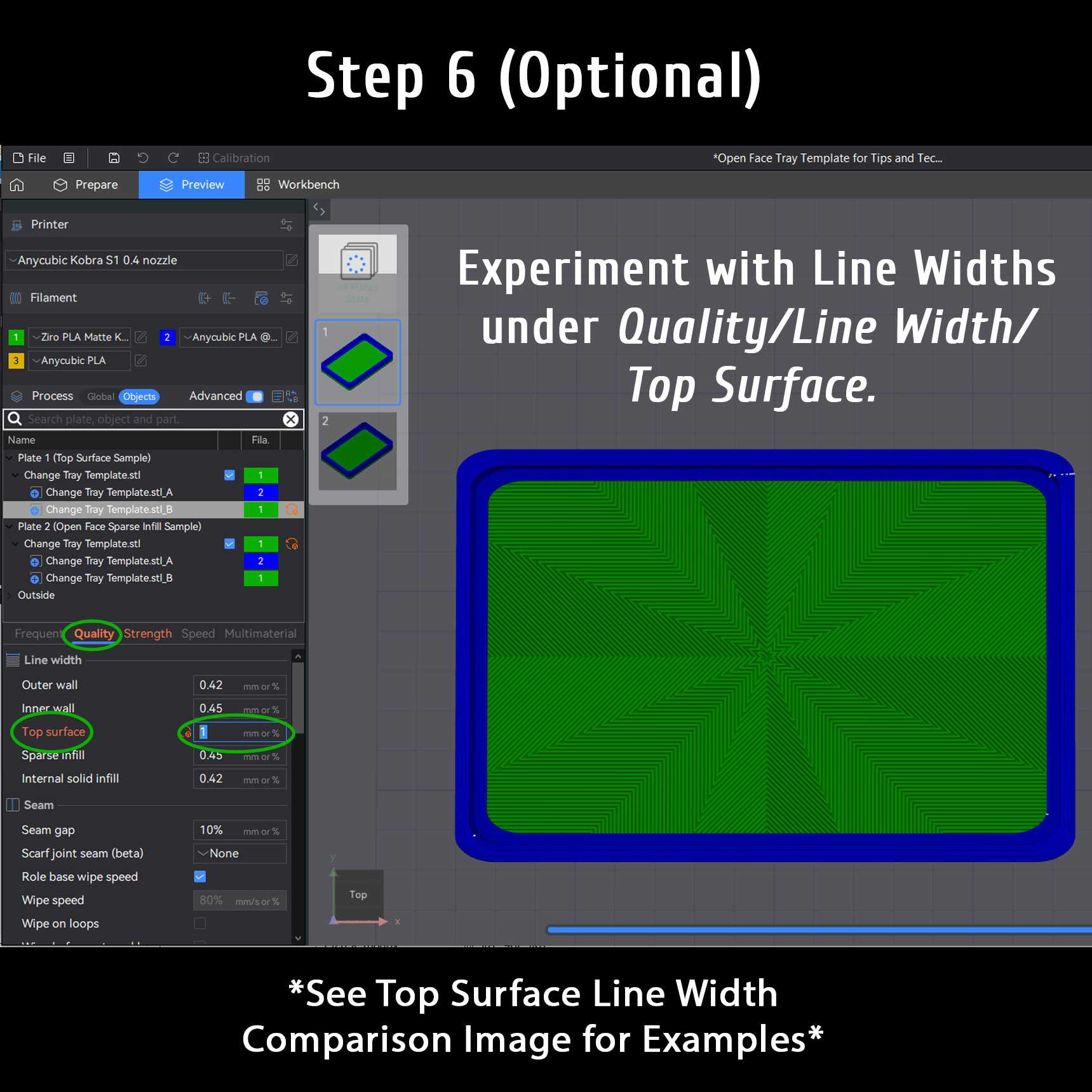
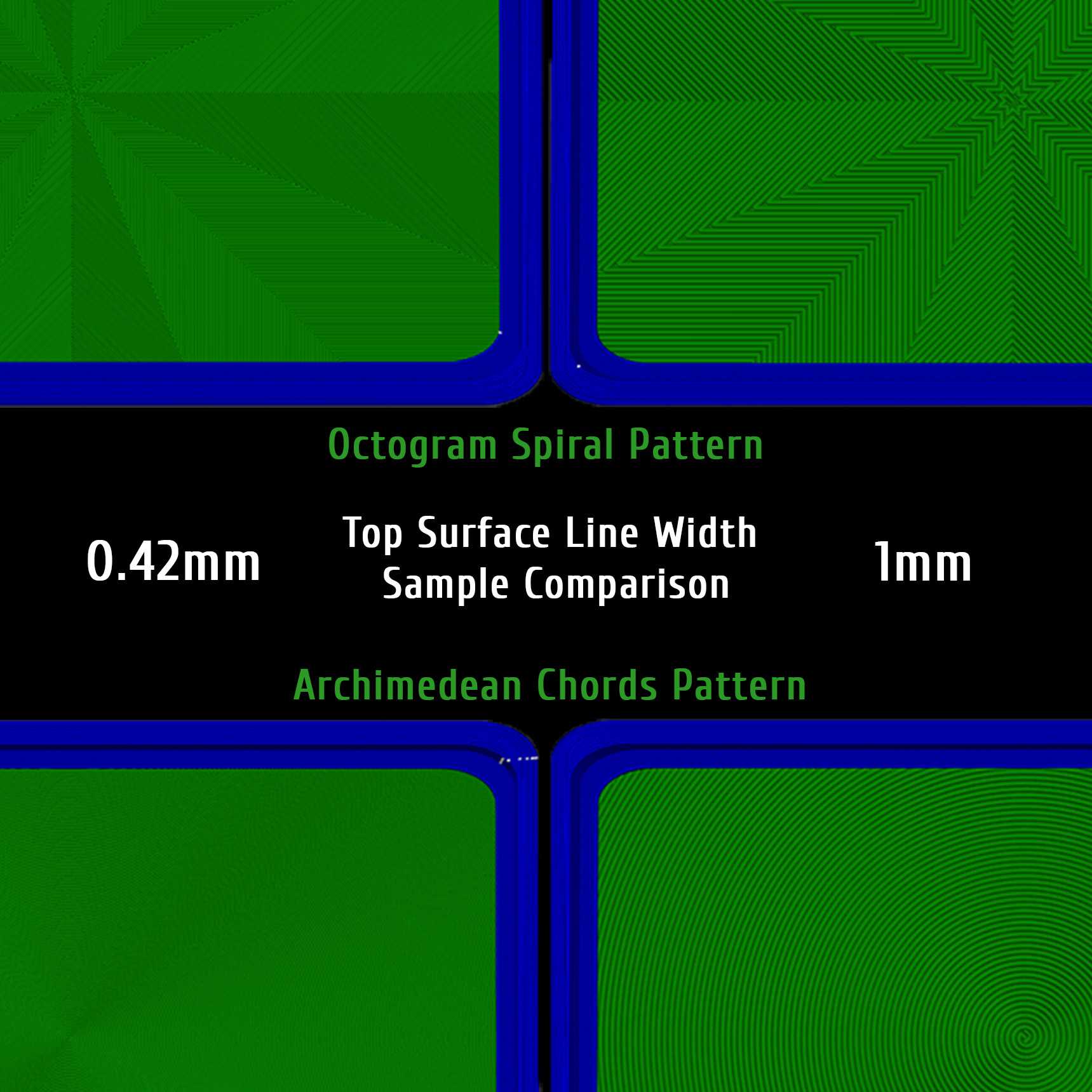
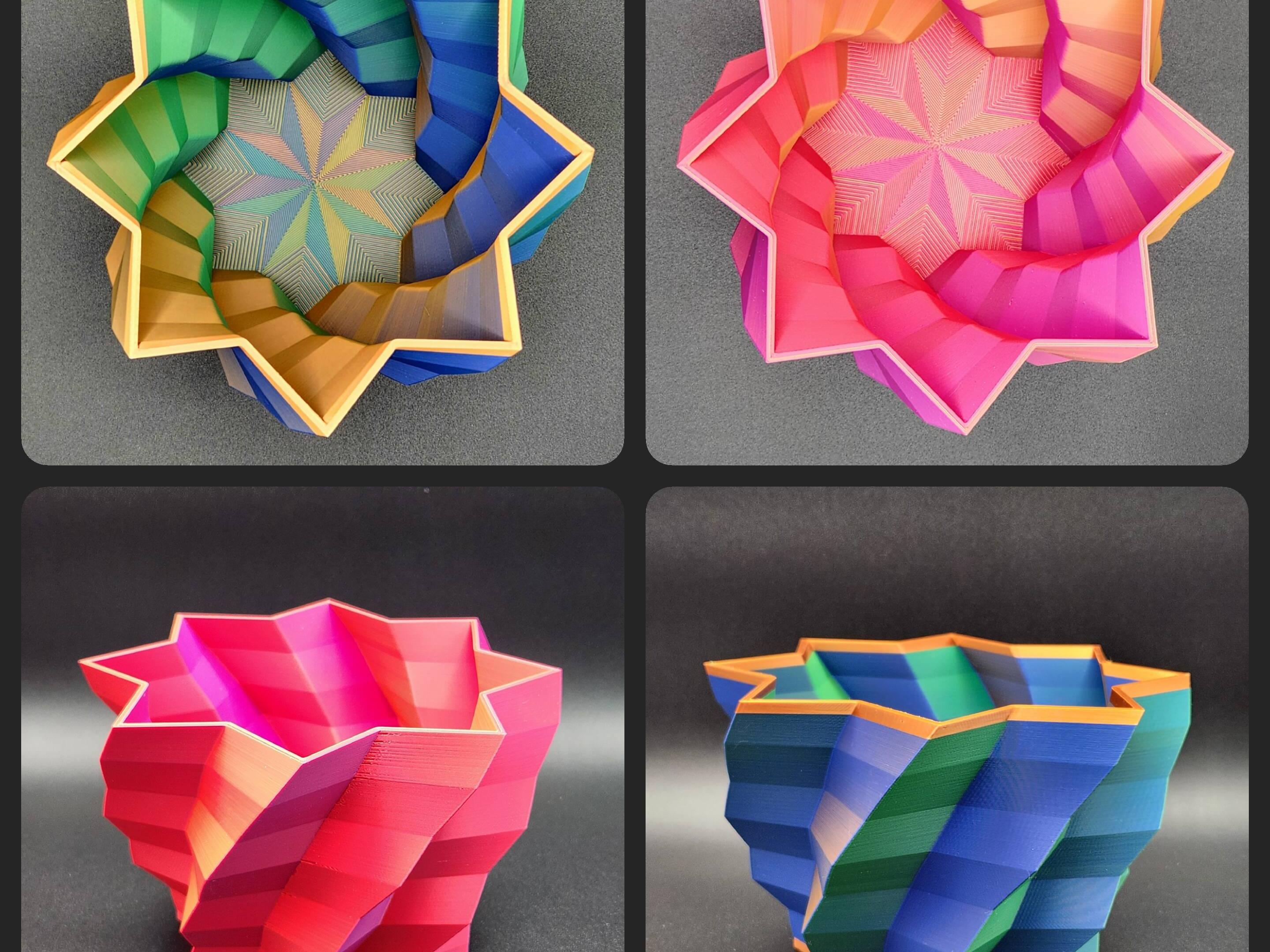
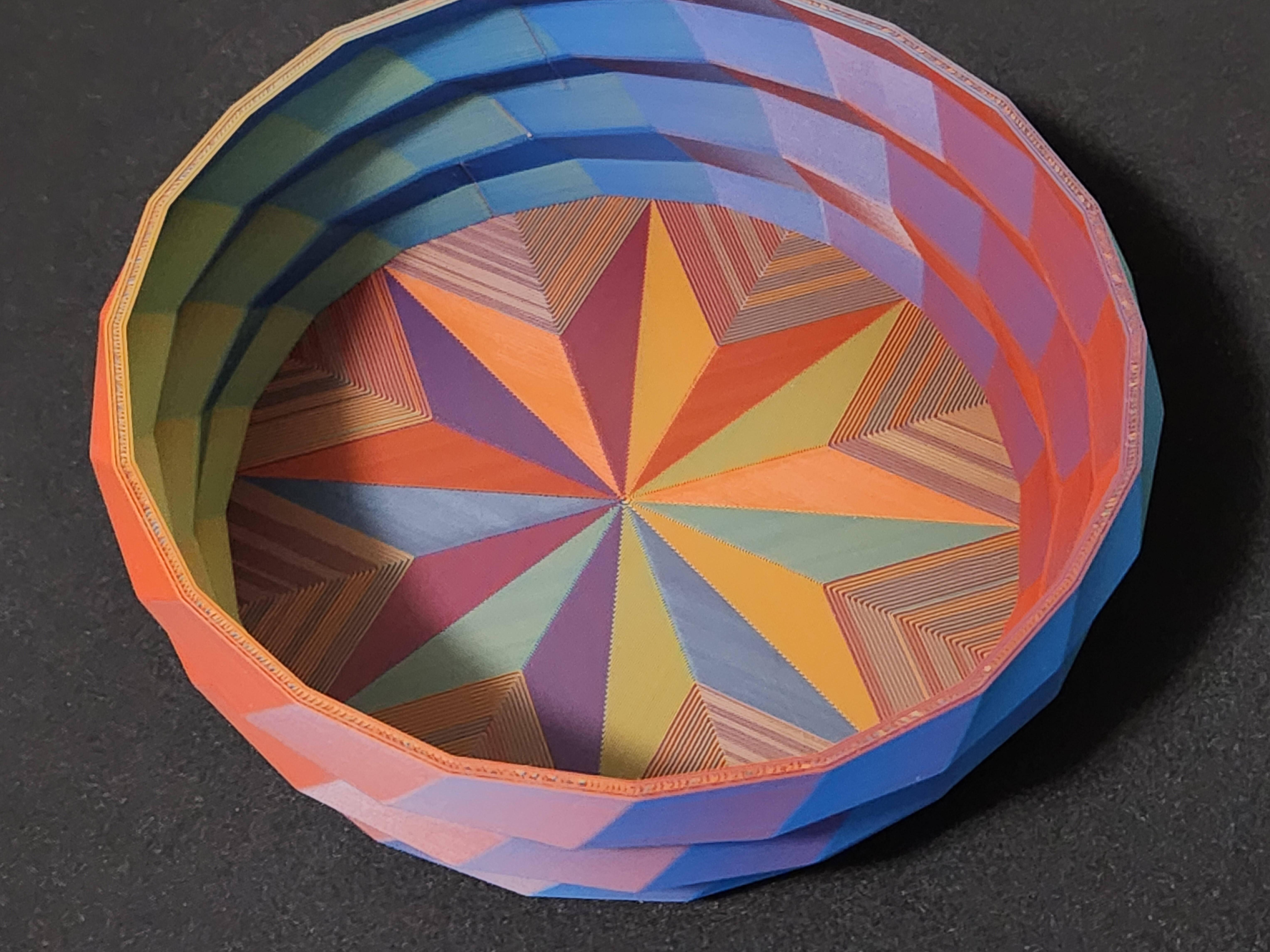
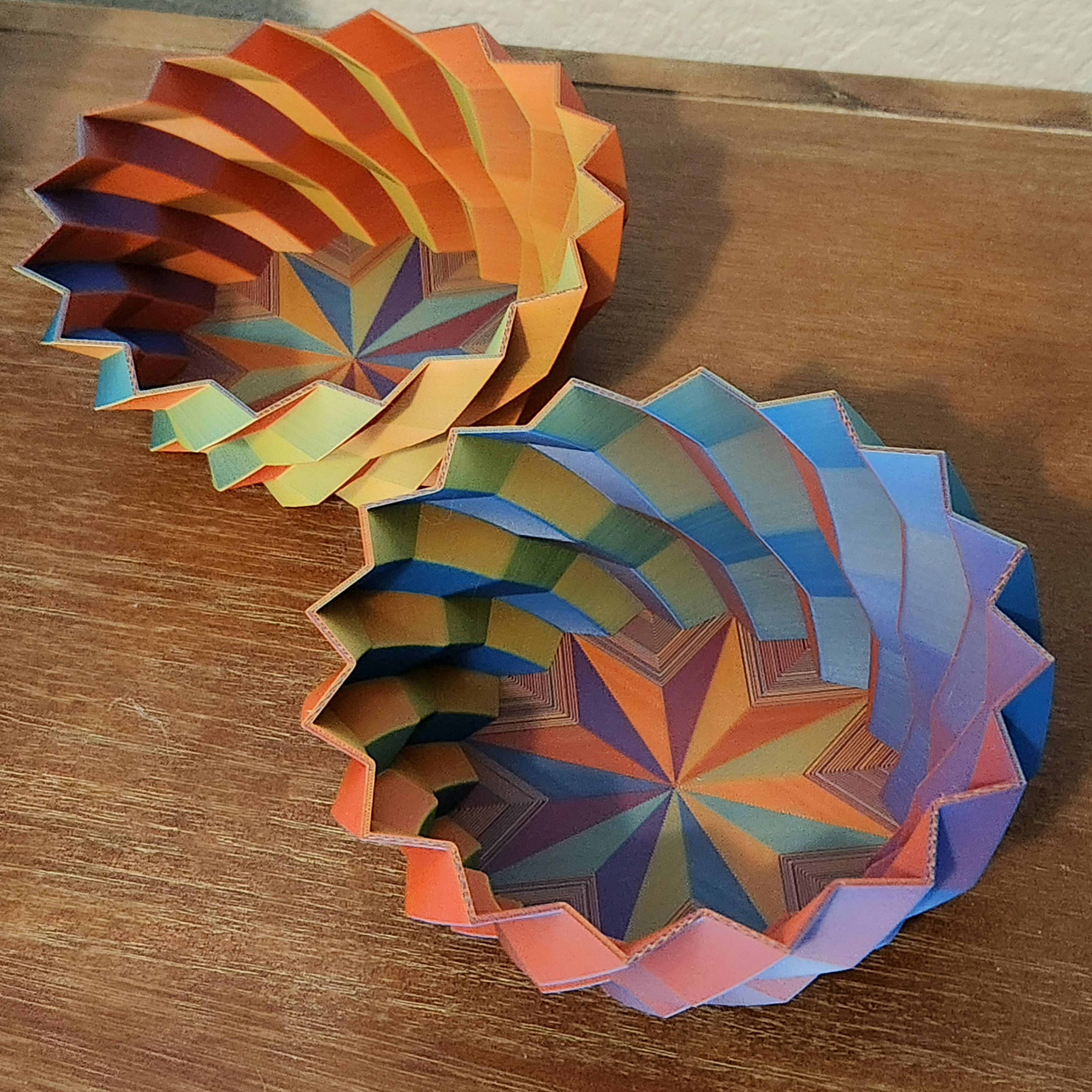
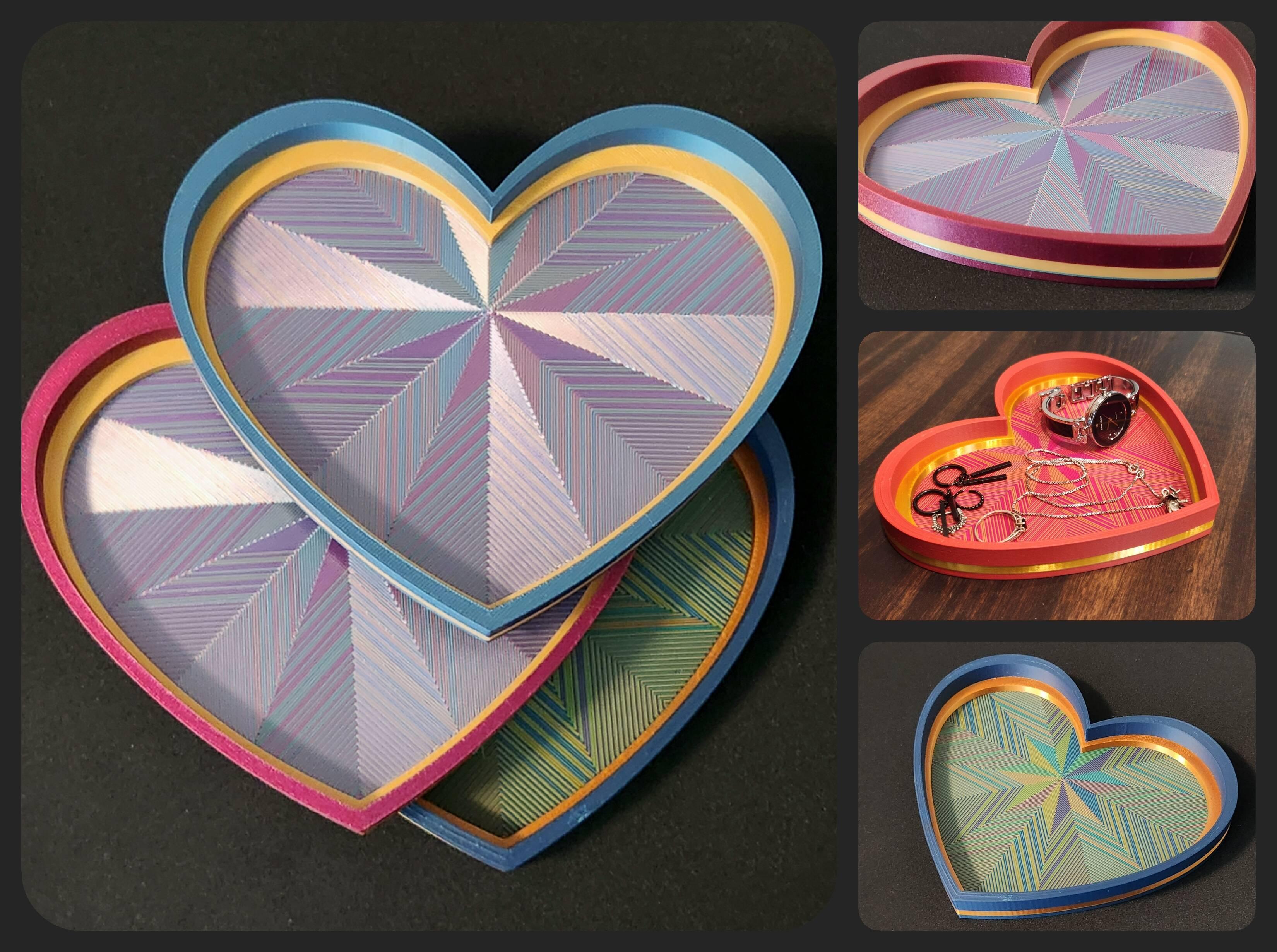
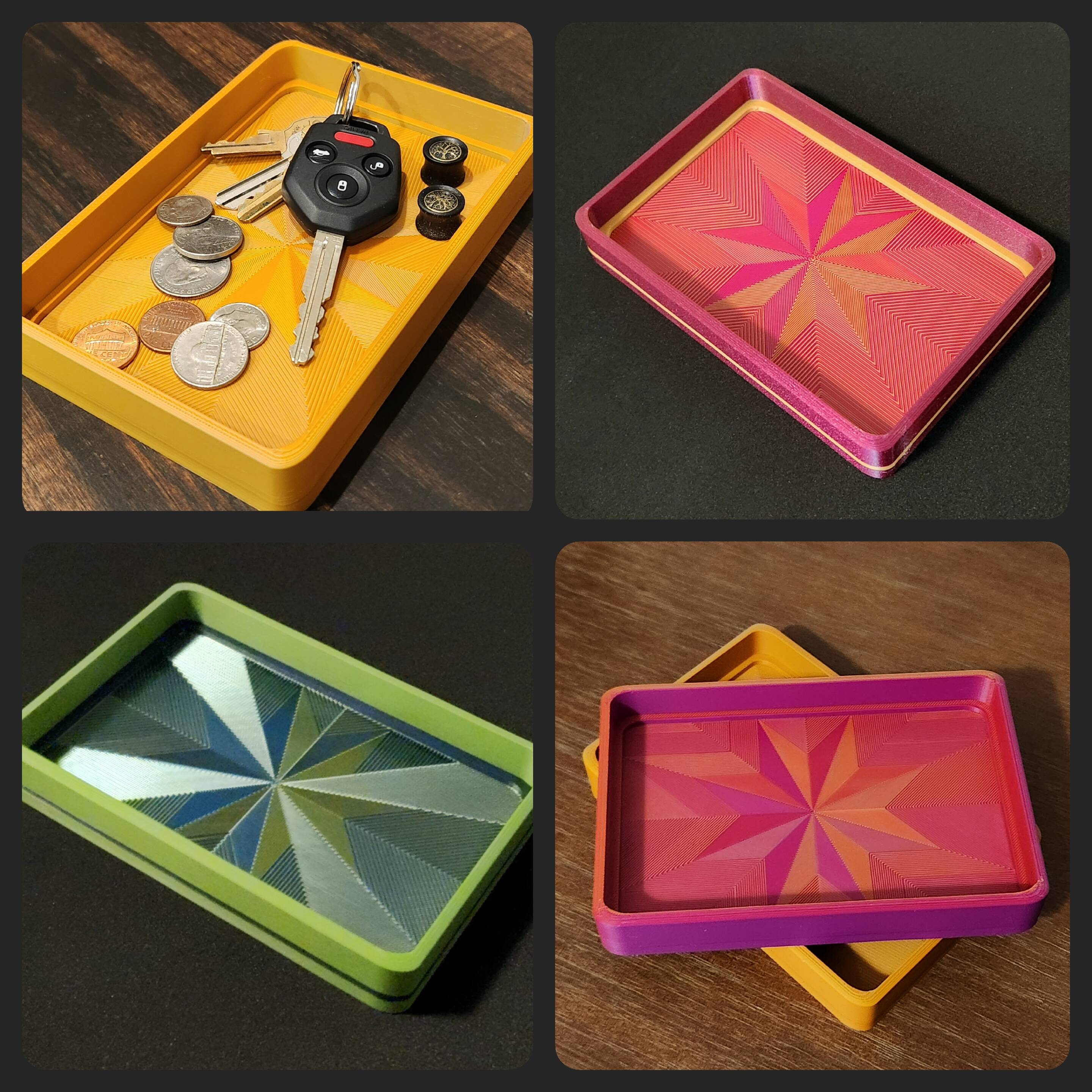
Did you know that you can add some really cool aesthetic/decorative elements to many models with flat surfaces by tweaking a few top surface-related settings and combining them with colorful dual or tri color filaments? Models with flat surfaces (like decorative bowls, vases, trays, etc.) are a perfect opportunity to unleash your creativity and level up your models- and it may be easier than you think!
This post/guide covers the basic steps and is meant for those who are somewhat familiar with 3D printing and working with slicers, etc., but I am planning to put together a more in-depth how-to video with additional techniques later on. In the meantime if you have any questions please let me know- and make sure to keep an eye out, I’m putting together another quick guide that shows you how to take advantage of even more slicer settings to make your models really pop 👀! #ShareYourTips#
Update:2025-03-09 06:34
594
6
1


 Hot Activities