Hot Topics Hot Topics
  • Exclusive Model
  • 3D Print Showcase
  • Answer To Win
  • Travel Prints
  • Wishlist Challenge
  • My Print Corner
  • Print For Dad
  • Challenge
  • Print Hacks
  • Maker Challenge
  • My 3D Print Journey
  • Print And Play
  • Lucky Draw
  • Pop Culture 3D
  • Wish List
  • Share Your Tips
  • Reward System Upgrade
  • Work In Progress
  • Points Accelerator Card Application
  • AC Color Lab
  • Rewards Accelerator Card
  • Gift Wishes
  • Weekly Featured Model Reward
  • 🎁 Anycubic Creative Kit
  • Print Profile Player Board
  • Suggestions for Makeronline improvement
  • Suggestions for AC Slicer & Photon workshop & APP
  • 3DCanvas
Adrian M
Adrian M
@CADria_836704
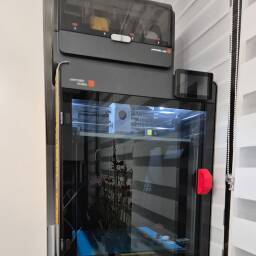
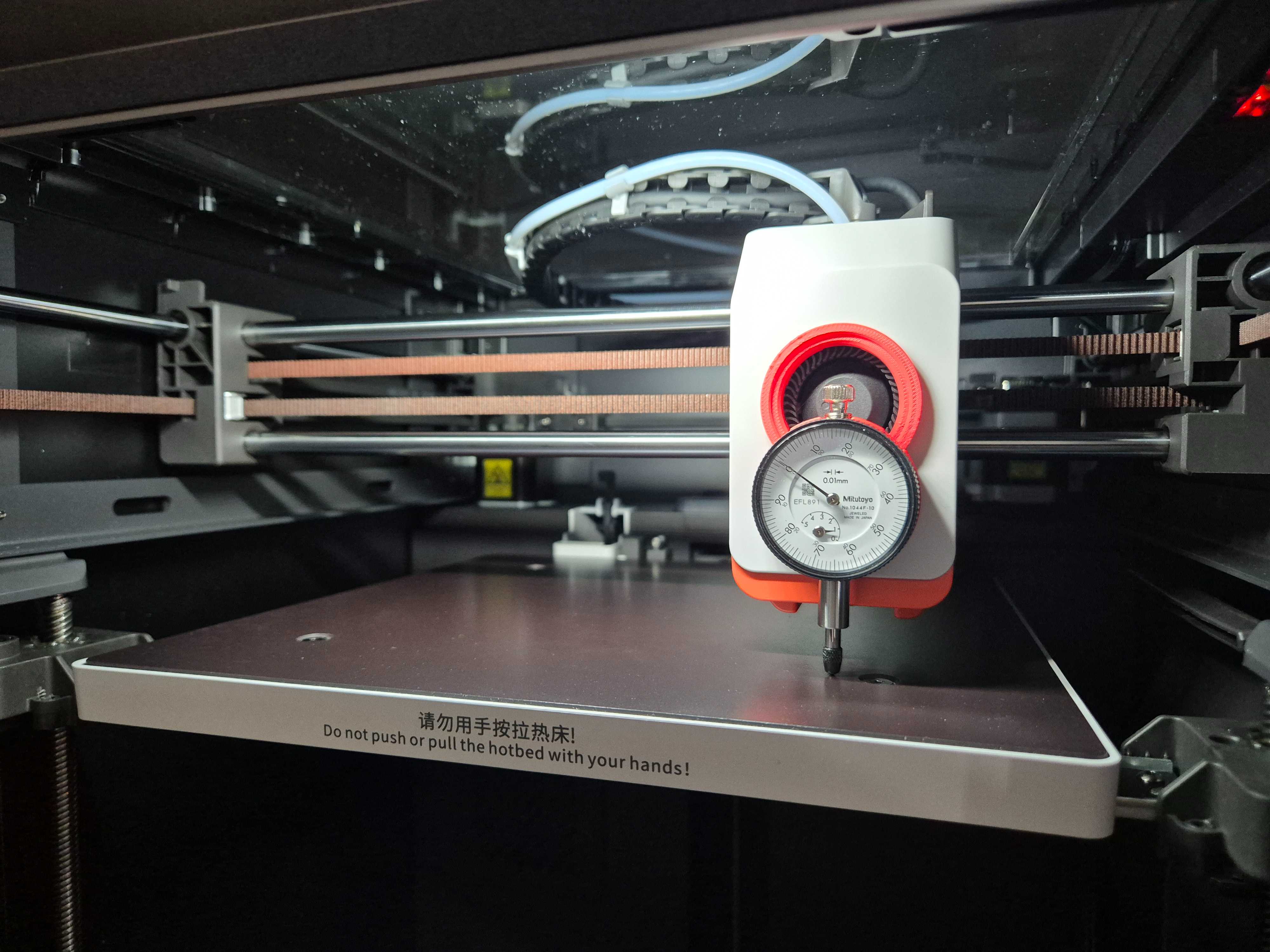
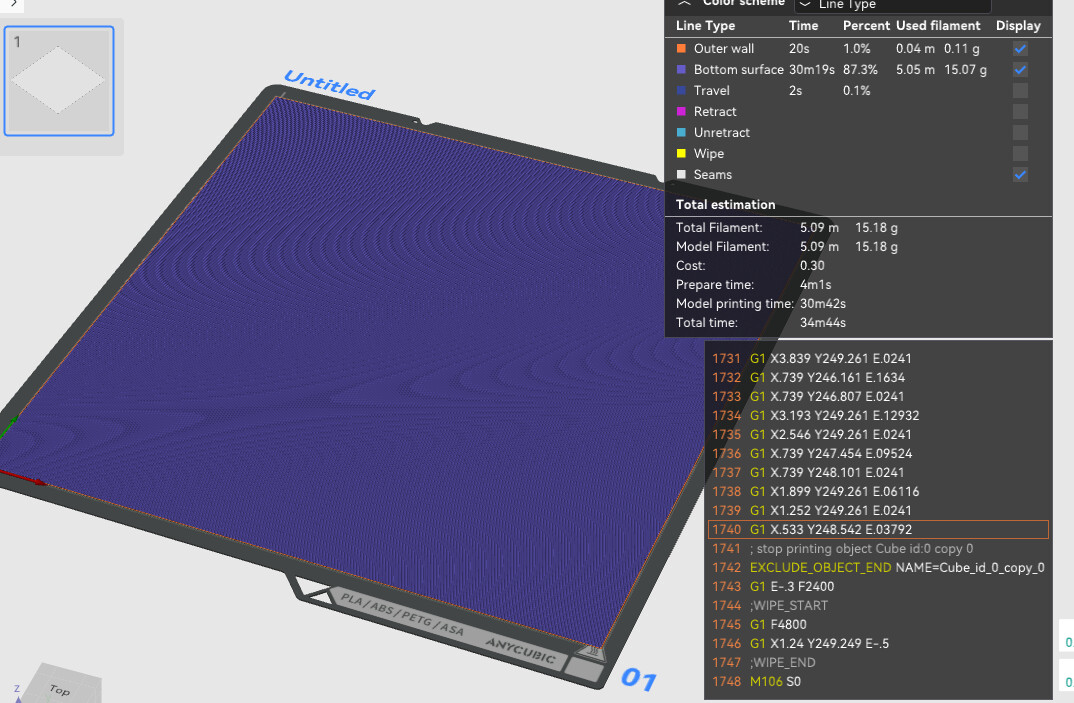
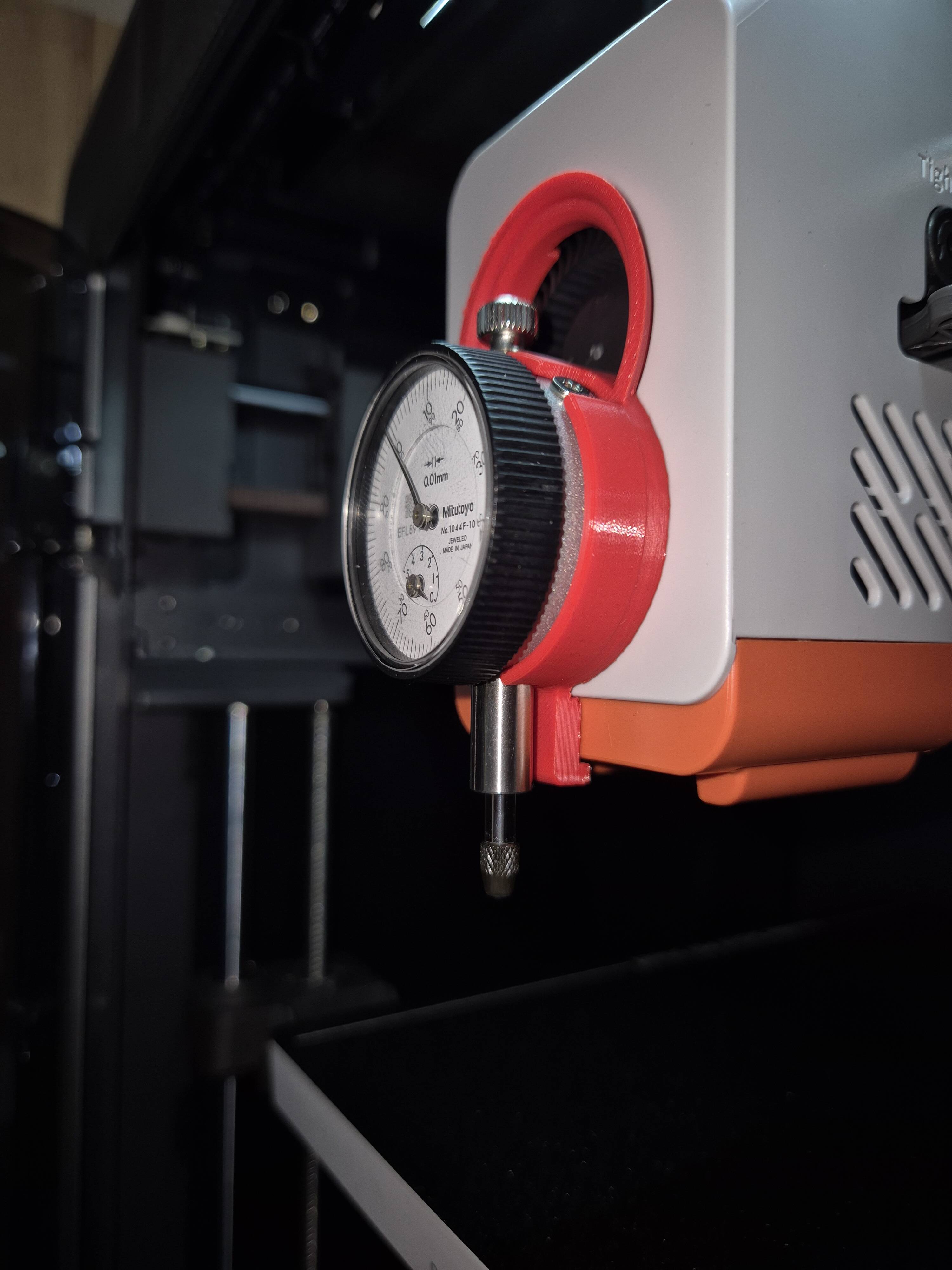
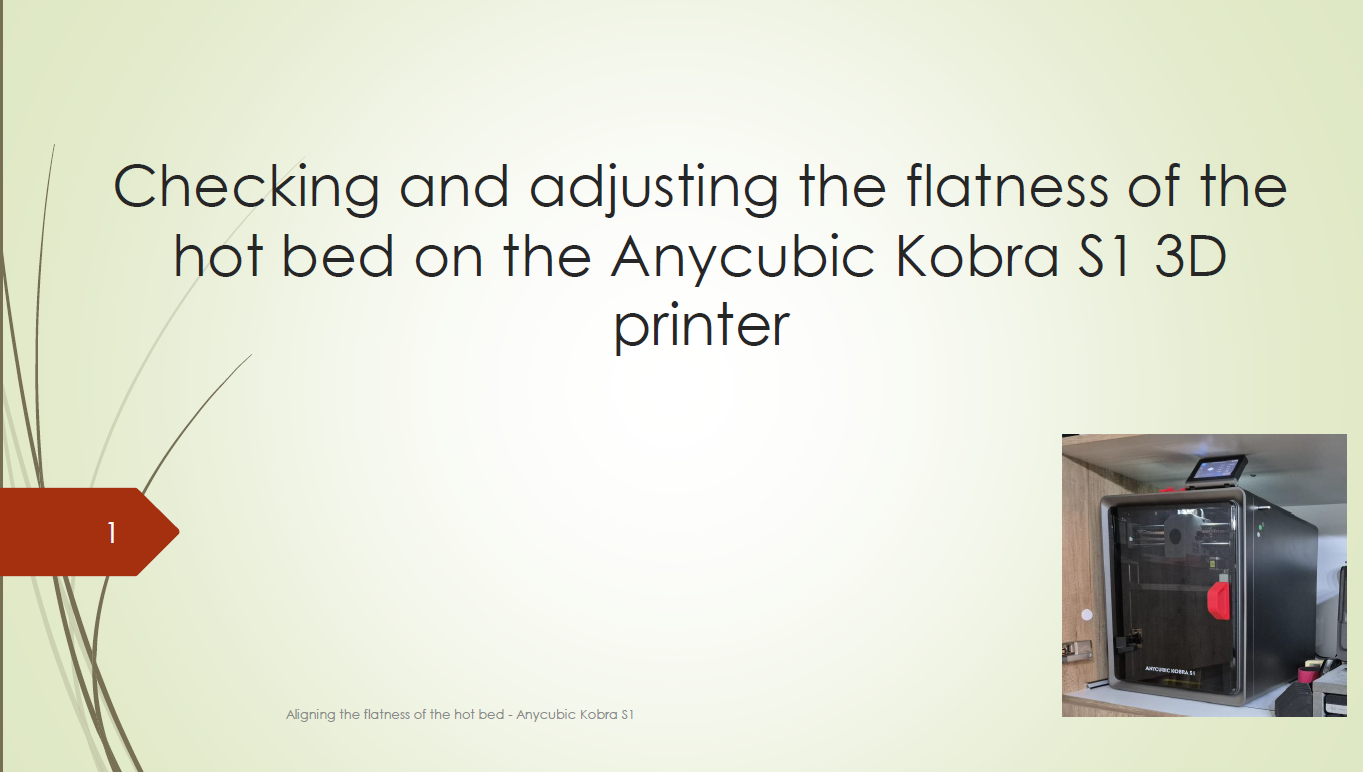
Anycubic Kobra S1 - Checking and adjusting the flatness of the hot bed
#Print Hacks#
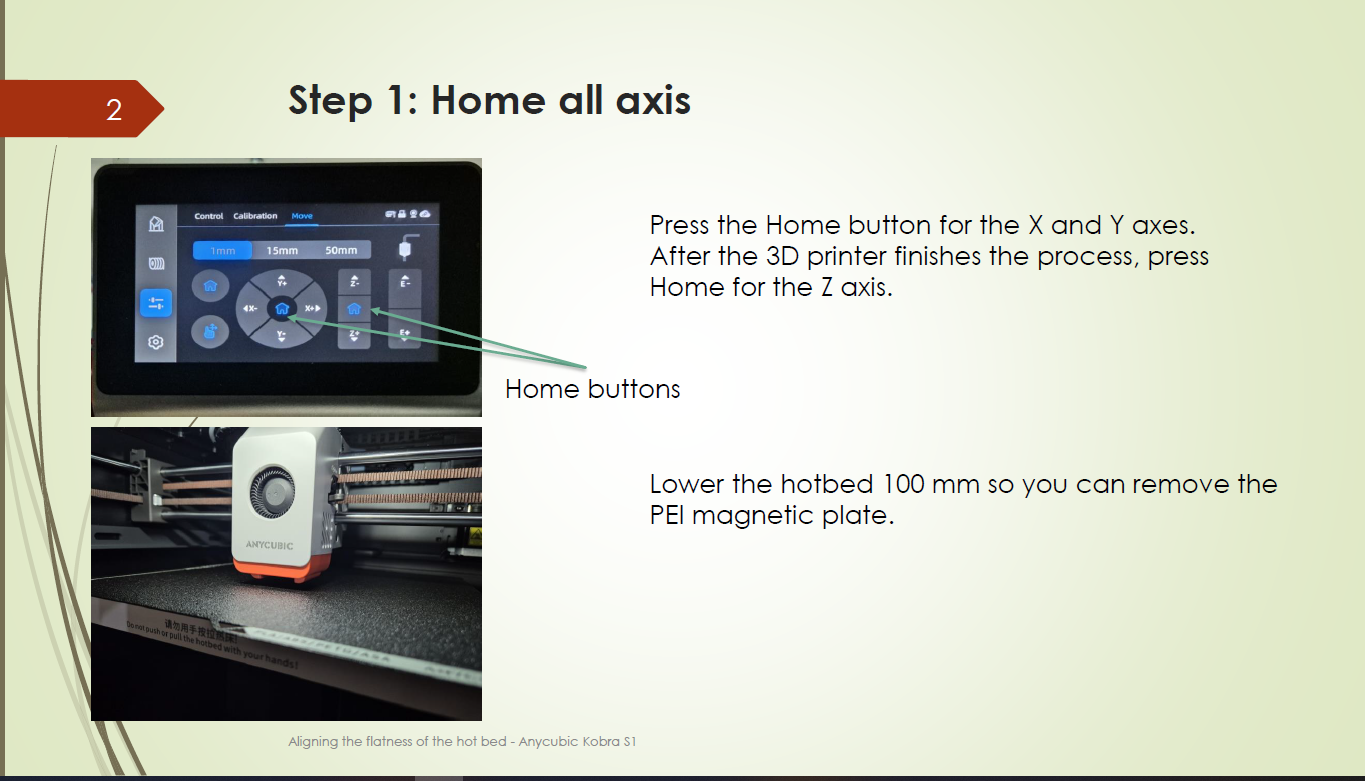
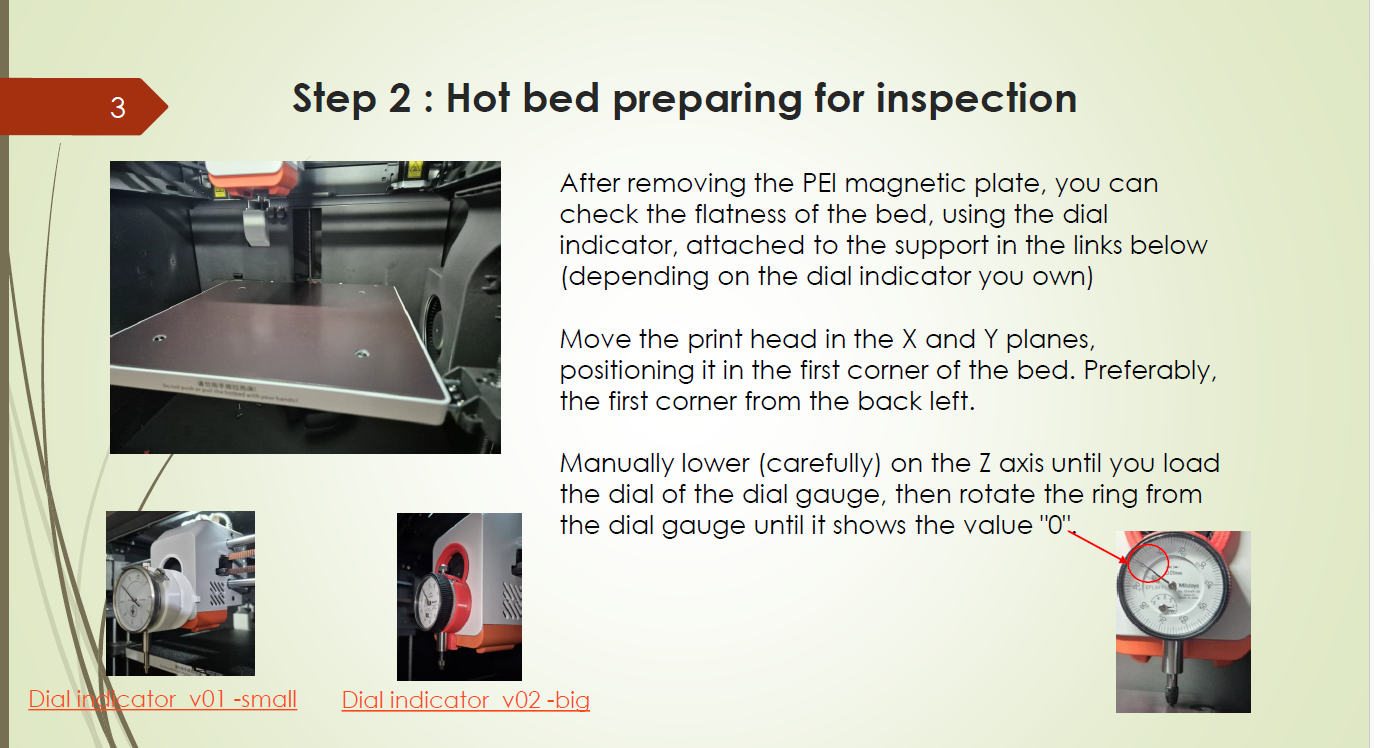
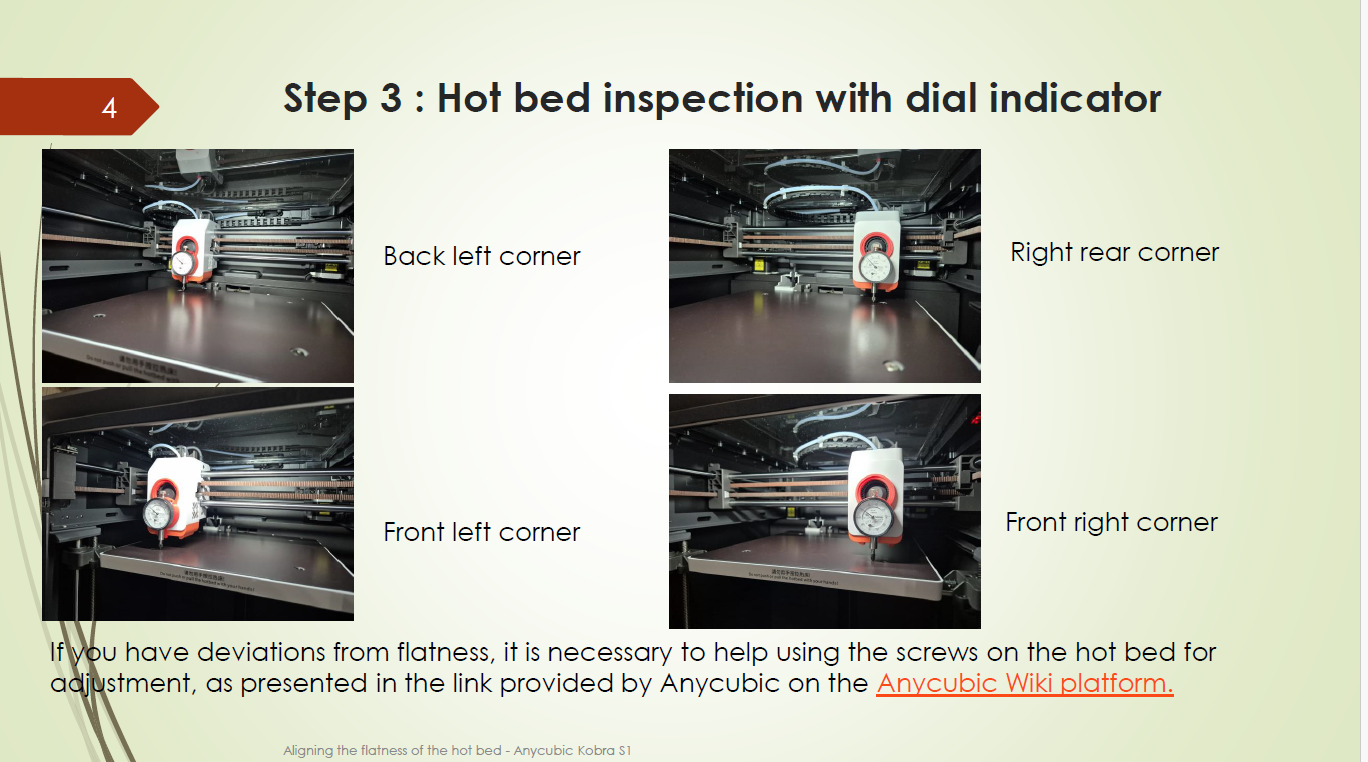
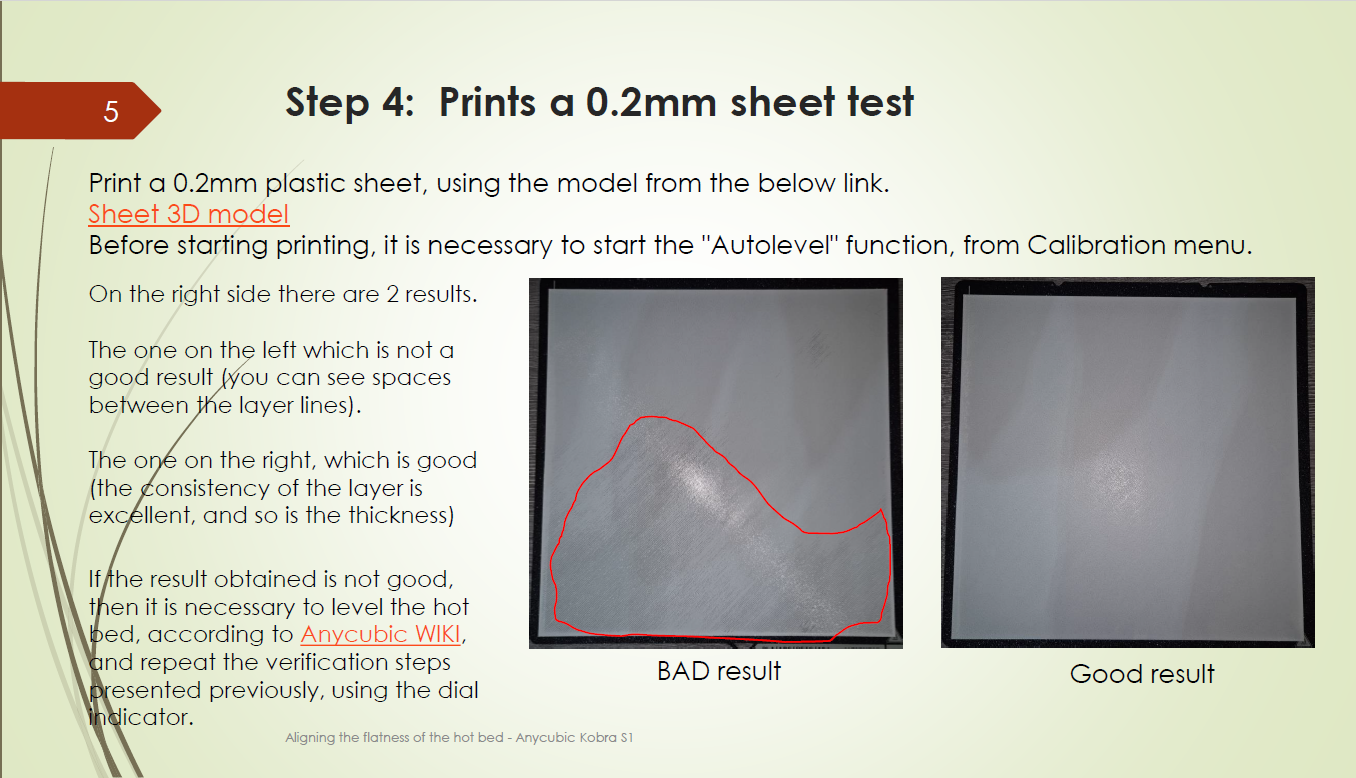
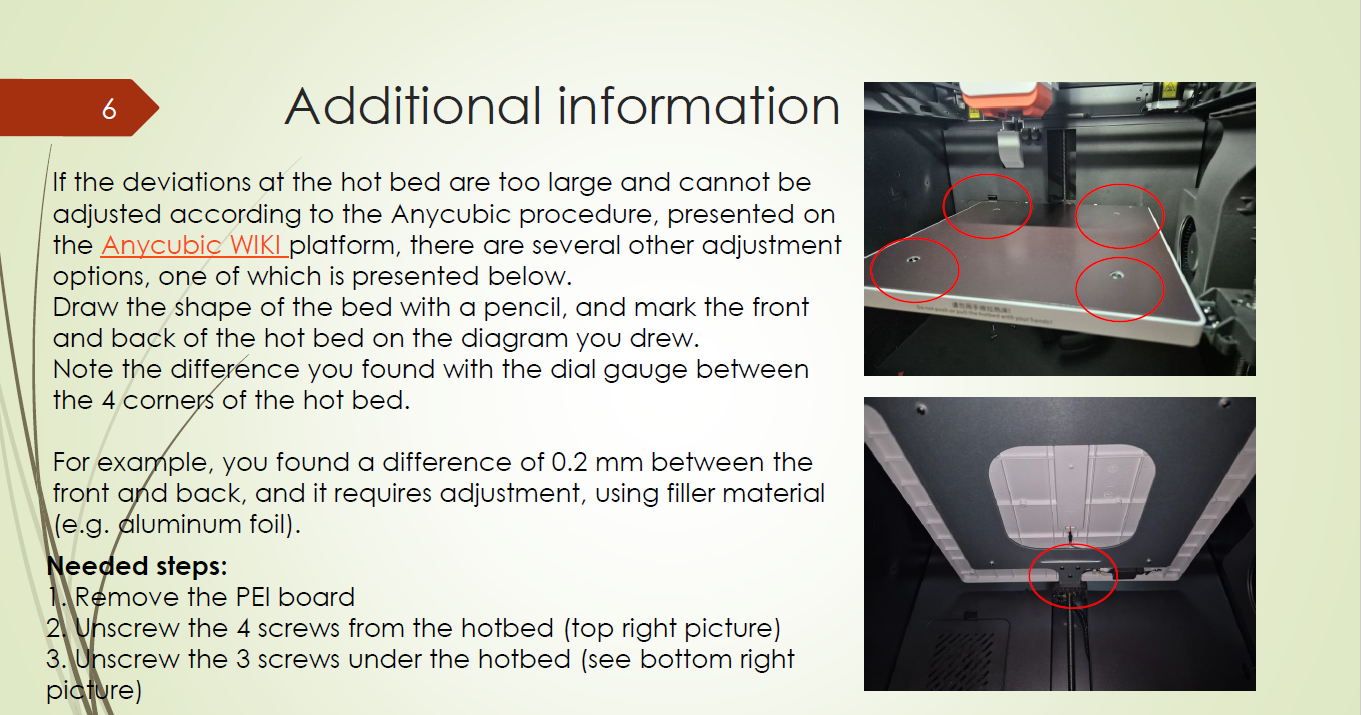
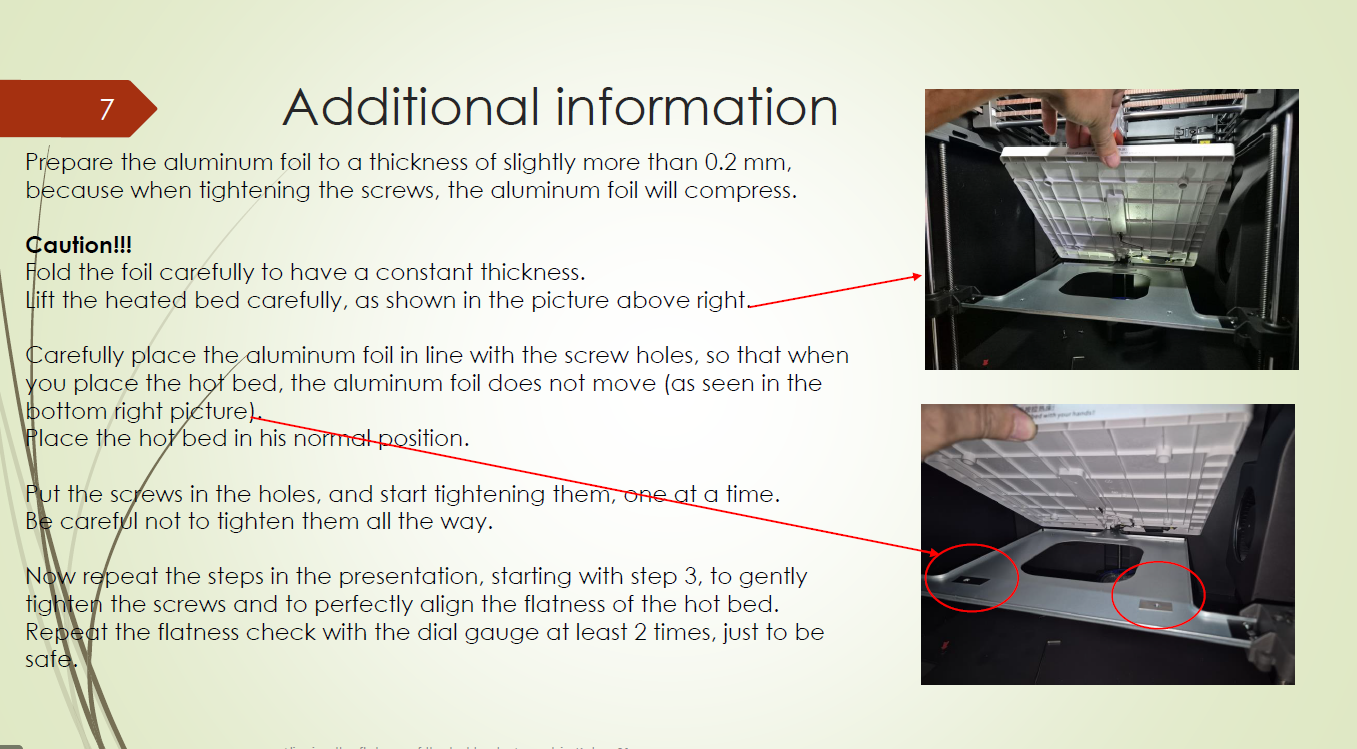
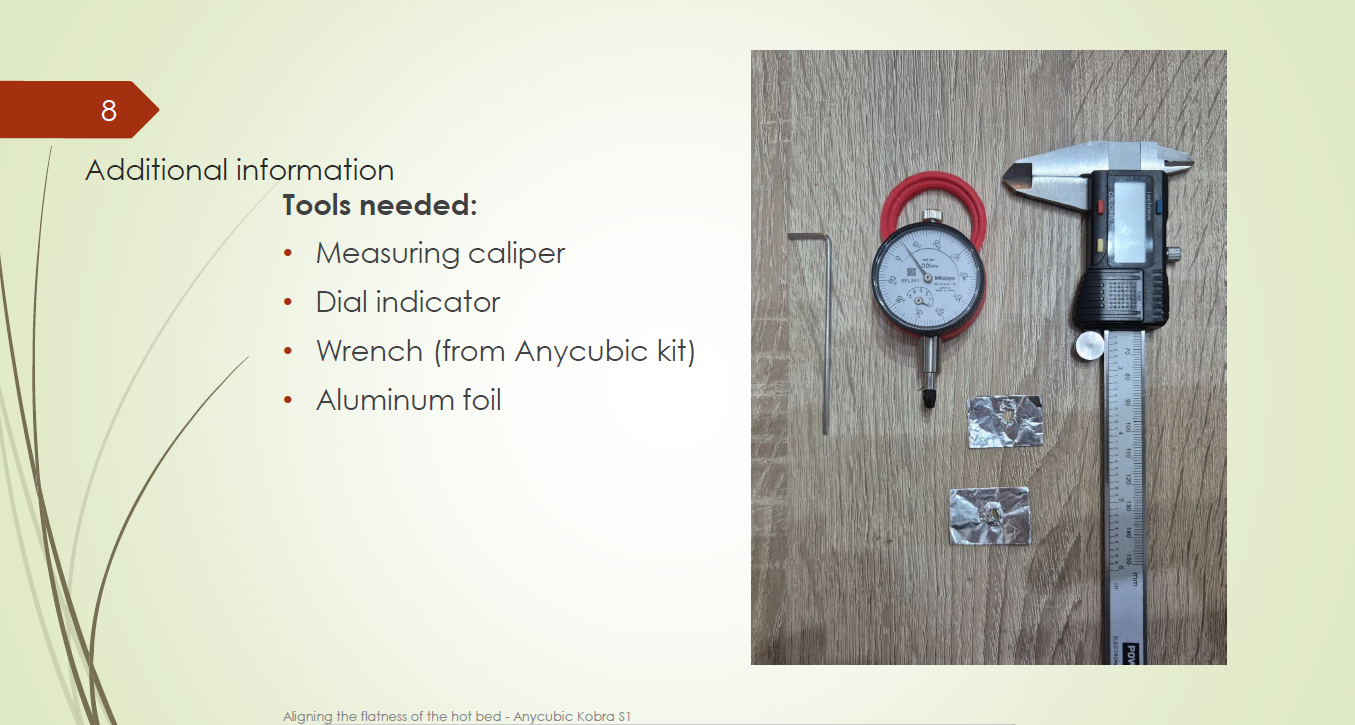
If you have problems with the first layer, or with the flatness of the warm bed, follow the steps in the attached captures in chronological order. Anycubic Wiki platform : https://wiki.anycubic.com/en/fdm-3d-printer/kobra-s1/first-layer
img
img
img
img
img
img
img
img
img
Update:2025-05-10 23:59
15.7k
15
4
All Comments (4)
Emoji
Picture
( 0 / 5000 )
FT84
FT84
@FT84_2929338
2026-01-17 18:55
0
1
Adrian M
Adrian M
@CADria_836704
2026-01-17 19:06
1
0
SylvainMougenot
SylvainMougenot
@SylvainMougenot_3105915
2025-05-28 04:29
5
1
andysfast
andysfast
@User_906577
2025-09-27 22:11
2
0
View More Comments >